Top 5 AI Tools You Should Know: October 19, 2026
Five AI tools that each remove one repeating job from a small team. Every product fact below comes from the company's own site. Every rating below comes from a review site named inside the block.
// In this post
ClickUp
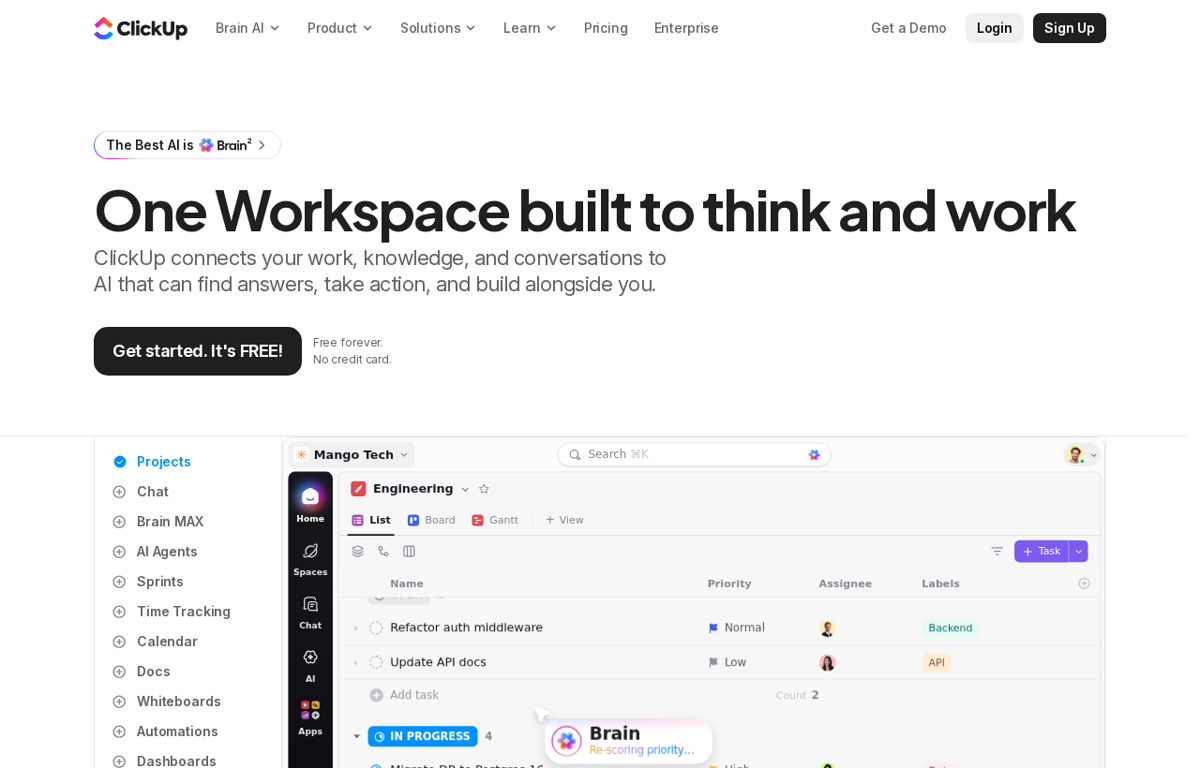
What it does
A work platform that holds projects and docs and chat in one place. Tasks move through list and board and Gantt views. It adds sprints and time tracking and dashboards and whiteboards. Brain is the AI layer and AI Agents take actions inside the workspace. The free plan is free forever with unlimited tasks and 60MB of storage.
What it is used for
A small team that pays for four separate tools and wants one place to look for the work.
It earns a place because the work and the conversation about the work finally sit in the same account. A person opens one task and sees the document and the thread and the deadline. The AI layer answers from that workspace rather than from a blank chat box. The free tier can carry a small team through its first year.
Trustpilot shows 4.2 out of 5 from 716 reviews. G2 shows 4.6 out of 5 from 14,989 reviews. Capterra shows 4.6 out of 5 from 4,639 reviews. TrustRadius shows 8.8 out of 10 from 1,805 reviews.
What they praise
- Reviewers on TrustRadius praise the number of views and templates.
- Reviewers on TrustRadius value the customization and the automations.
- Reviewers on Trustpilot say the platform simplifies daily task work.
What they complain about
- Reviewers on TrustRadius say the AI agents are still hard to make work.
- Reviewers on TrustRadius find the built in time tracking complicated.
- Reviewers on Trustpilot say the product feels complex at first.
Grammarly
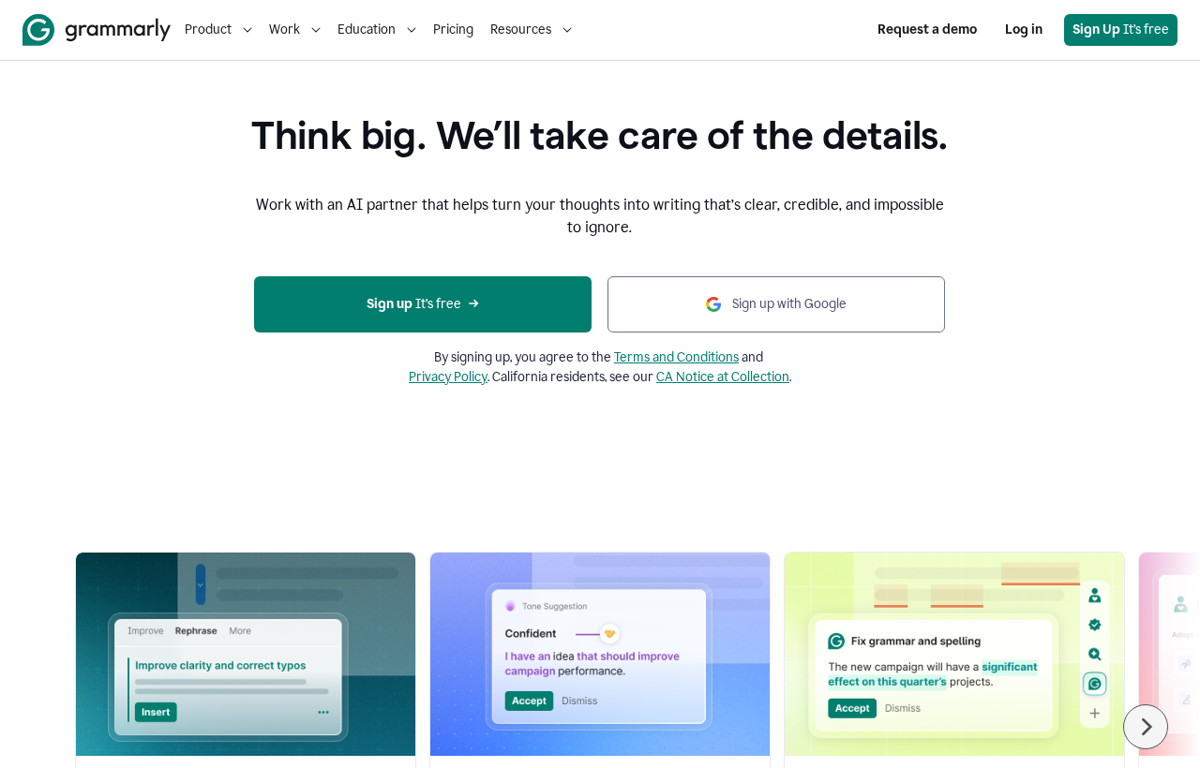
What it does
A writing assistant that checks grammar and spelling as a person types. It rewrites a paragraph for clarity and suggests a tone. A humanizer agent adds personality and an AI detector flags generated text. It works in the browser and in desktop apps. The free plan covers spelling and grammar for one writer.
What it is used for
A team that sends proposals and client email and wants fewer corrections before it goes out.
It earns a place because most small teams write their way into a bad impression. A checker catches the typo and a rewrite fixes the sentence that was too blunt. The tone suggestion helps when the same message goes to a client and to a supplier. The paid tier adds the rewrite features that change a draft.
Trustpilot shows 3.1 out of 5 from 10,479 reviews. G2 shows 4.7 out of 5 from 14,081 reviews. Capterra shows 4.7 out of 5 from 7,225 reviews. TrustRadius shows 9.1 out of 10 from 391 reviews.
What they praise
- Reviewers on TrustRadius value the grammar and typo checks.
- Reviewers on TrustRadius praise the tone suggestions and the phrasing variations.
- Reviewers on Trustpilot say it saves time on daily writing tasks.
What they complain about
- Reviewers on Trustpilot report unexpected charges and unclear trial terms.
- Reviewers on Trustpilot say pop ups interrupt the writing flow.
- Reviewers on TrustRadius say it pushes toward complicated language.
Semrush
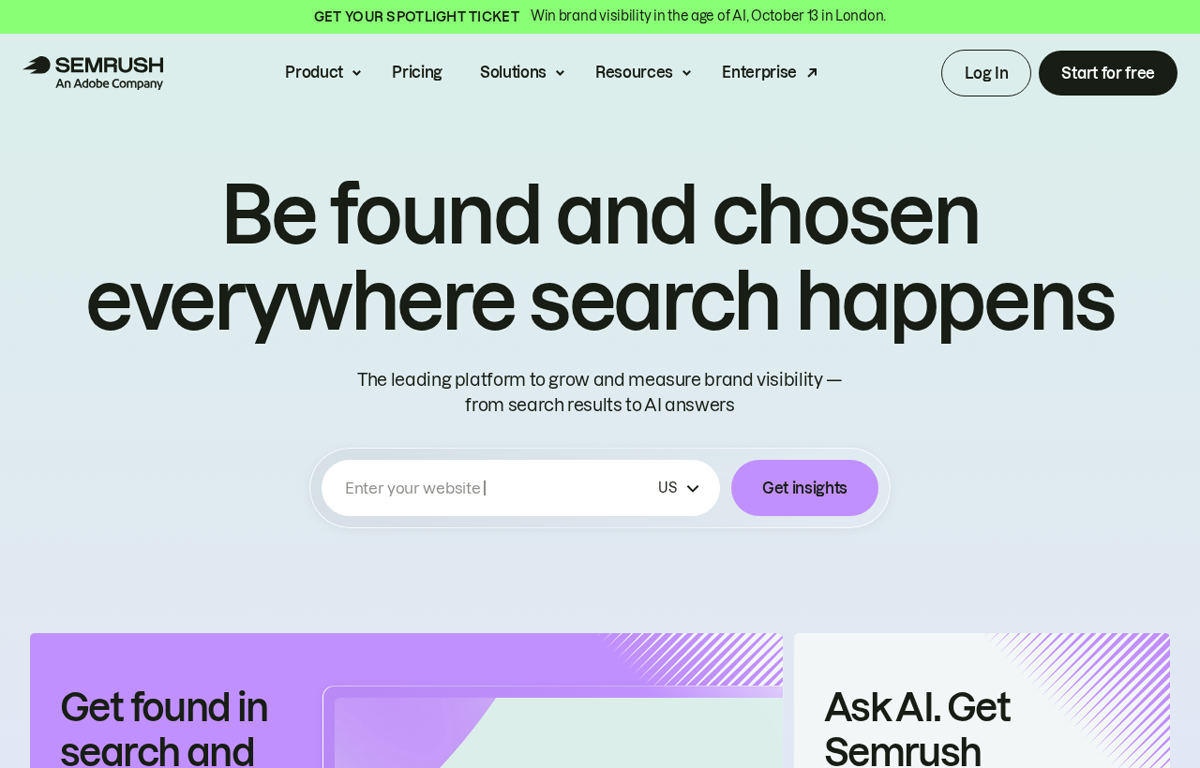
What it does
A search marketing platform built on a large keyword and backlink dataset. It tracks rankings and audits a site for technical faults. Keyword research and competitor analysis sit beside an AI visibility tool. A report can be built for a client and shared.
What it is used for
A team that needs to know why a page is not found and which competitor took the click.
It earns a place because a content plan without search data is a guess. The keyword and backlink numbers show where a small site can win. The site audit finds the broken redirect before a client does. The AI visibility view now covers answers as well as blue links.
Trustpilot shows 1.6 out of 5 from 1,422 reviews. G2 shows 4.4 out of 5 from 4,276 reviews. Capterra shows 4.6 out of 5 from 2,330 reviews. TrustRadius shows 8.5 out of 10 from 791 reviews.
What they praise
- Reviewers on TrustRadius praise the keyword and backlink analysis.
- Reviewers on TrustRadius value the rank tracker.
- A few reviewers on Trustpilot praise the core tools when billing goes smoothly.
What they complain about
- Reviewers on Trustpilot describe unexpected renewal charges.
- Reviewers on Trustpilot say cancellation takes hidden steps.
- Reviewers on Trustpilot report refused refunds.
Tidio

What it does
A customer service platform for a website. Live chat and email and social messages land in one inbox. Lyro is the AI agent and it answers common questions and hands a hard case to a person. Flows builds a chatbot without code and a report shows what a conversation earned. The free plan allows 50 billable conversations.
What it is used for
A small shop or service site that loses enquiries outside office hours.
It earns a place because the visitor who leaves without an answer rarely comes back. The AI agent covers the repeated questions and the inbox keeps the rest in order. The free plan is enough to test the workflow on a real site. A paid plan starts at $24.17 a month on the annual rate.
Trustpilot shows 3.6 out of 5 from 226 reviews. G2 shows 4.6 out of 5 from 1,968 reviews. Capterra shows 4.7 out of 5 from 590 reviews. TrustRadius shows 9.7 out of 10 from 16 reviews.
What they praise
- Reviewers on TrustRadius praise the email campaigns and the chatbots.
- Reviewers on TrustRadius say support answers fast.
- Reviewers on TrustRadius call the interface simple.
What they complain about
- Reviewers on TrustRadius want a way to ban visitors by referrer.
- Reviewers on TrustRadius say the chatbot logic could be simpler.
- Reviewers on TrustRadius report occasional trouble with the desktop app.
Descript
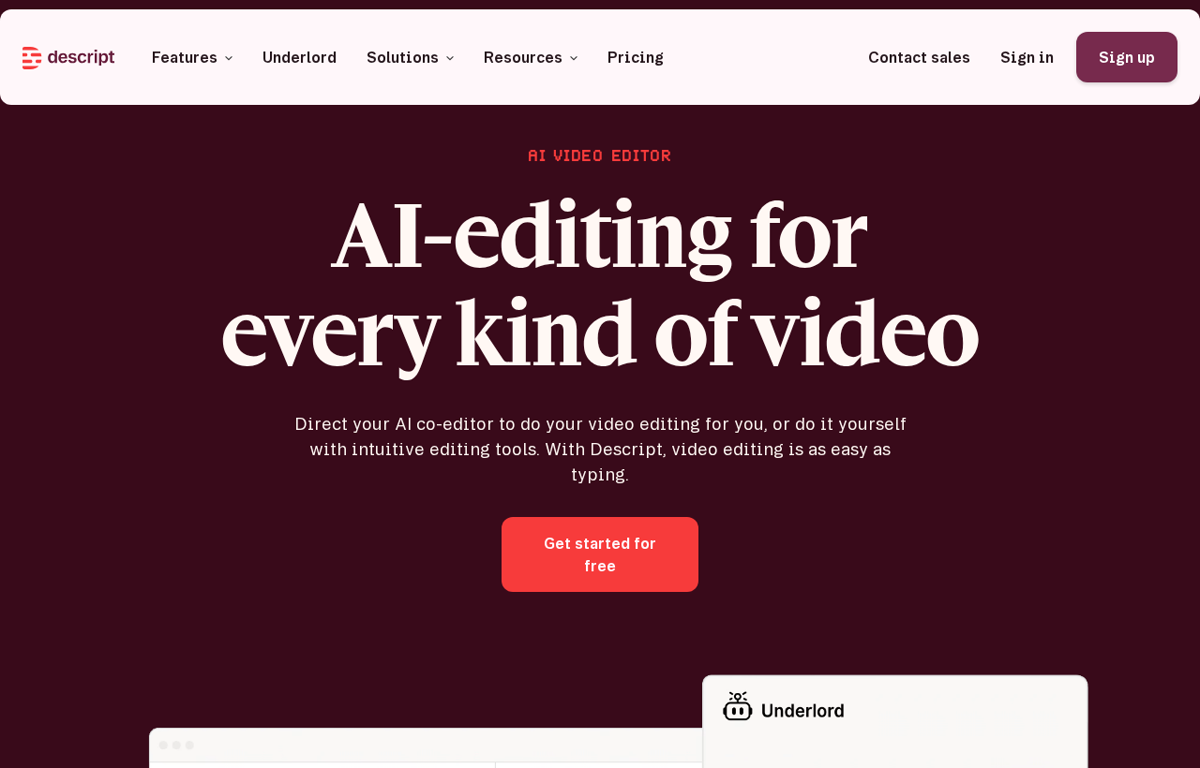
What it does
A video and audio editor where the edit happens in the transcript. Deleting a sentence deletes that part of the recording. It removes filler words and cleans the audio. Underlord is the AI co-editor and it can cut a clip or write a script. The free plan covers text based editing with limits.
What it is used for
A team that records demos or training videos and has no editor.
It earns a place because the person who knows the product is usually not the person who can edit video. Here the same person fixes the recording by editing words. The filler word removal saves the slowest part of the job. A free plan lets a team test the workflow on a real project.
Trustpilot shows 2.6 out of 5 from 290 reviews. G2 shows 4.6 out of 5 from 930 reviews. Capterra shows 4.6 out of 5 from 183 reviews. GetApp shows 4.6 out of 5 from 183 reviews. TrustRadius shows 8.5 out of 10 from 60 reviews.
What they praise
- Reviewers on TrustRadius praise the document style editing.
- Reviewers on TrustRadius value the overdub feature.
- Reviewers on TrustRadius like the automatic removal of filler words.
What they complain about
- Reviewers on Trustpilot say AI credits drain fast.
- Reviewers on Trustpilot report bugs and lag in the desktop app.
- Reviewers on Trustpilot say the AI tools fail on standard edits.
How to choose from this list
- Pick the tool that removes a job which repeats every week. A tool used once is a subscription.
- Give it to the person who does that job today. Never give it to the person who enjoys new software.
- Judge it after two weeks on one measure. Did the job stop landing on somebody's desk.
Each company in this post publishes its own terms for referrals. All five run a programme and we signed up for none of them.
The review lines name the sites we read and the scale each one uses. A score without its count and its scale tells a reader very little.
Ready to Build with AI?
See how AiBrainBuilders designs and deploys AI agents for business operations - or brings expert training to your team.
Request a ConversationDisclosure: some links on this page may be affiliate links. If you buy through one, we may earn a commission at no extra cost to you.