Top 5 AI Tools You Should Know: October 16, 2026
Five AI tools that each remove one repeating job from a small team. Every product fact below comes from the company's own site. Every standing below comes from a review site named inside the block.
// In this post
Pipedrive
What it does
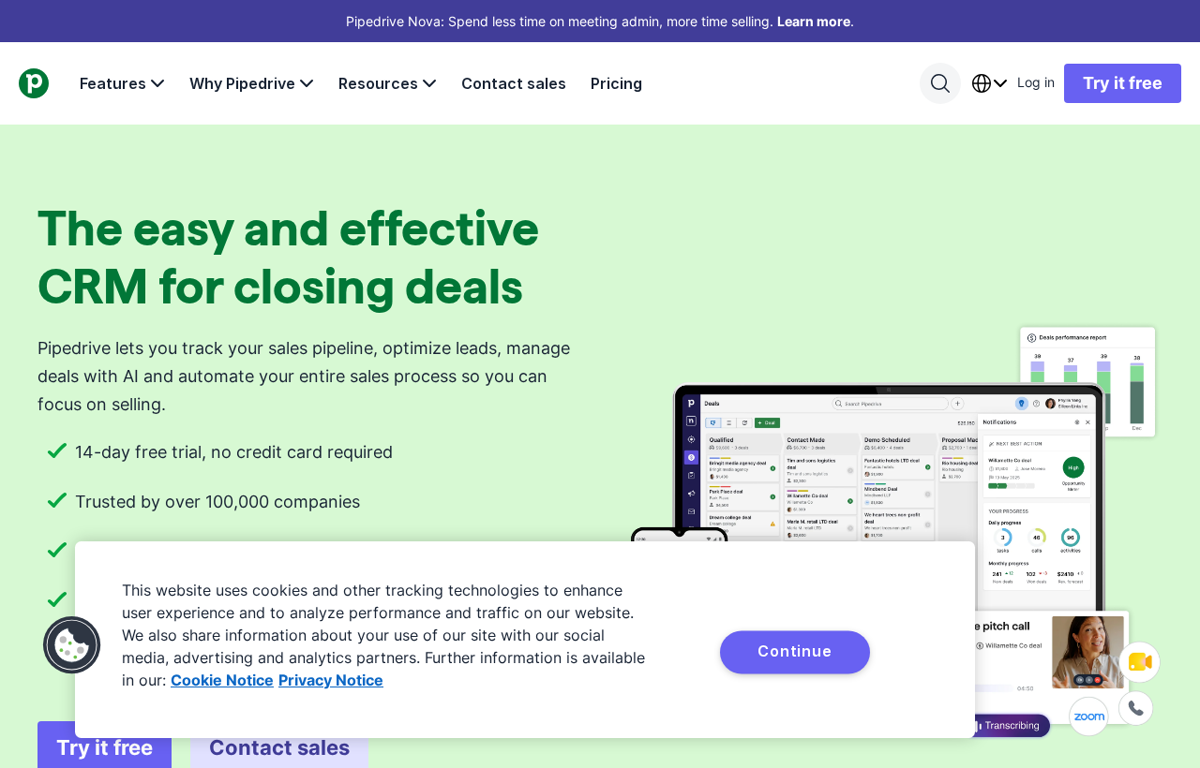
A sales CRM for pipelines and deals. A team tracks every lead and deal on a visual board and manages them with built in AI. It also automates the sales process and connects to more than 500 other tools.
What it is used for
A sales team that needs one place for every deal.
It earns a place because the pipeline is the first thing a small sales team needs. A person sees every deal and its stage on one board. The same account then carries the follow ups and the reports.
Trustpilot shows 4.4 out of 5 from 3,465 reviews. G2 shows 4.3 out of 5 from 5,082 reviews. GetApp shows 4.5 out of 5 from 3,064 reviews. TrustRadius shows 8.6 out of 10 from 520 reviews. Capterra showed no readable rating on the day we looked.
What they praise
- Reviewers call the visual pipeline quick to set up and easy to learn.
- Reviewers value the email and calendar integrations that keep deal history in one place.
- Reviewers praise the onboarding sessions and the support team.
What they complain about
- Reviewers say the price climbs once reporting and phone support are needed.
- Reviewers report slow support replies on the lower plans.
- Reviewers find advanced features harder to master and the mobile app thinner than the desktop.
HeyGen
What it does
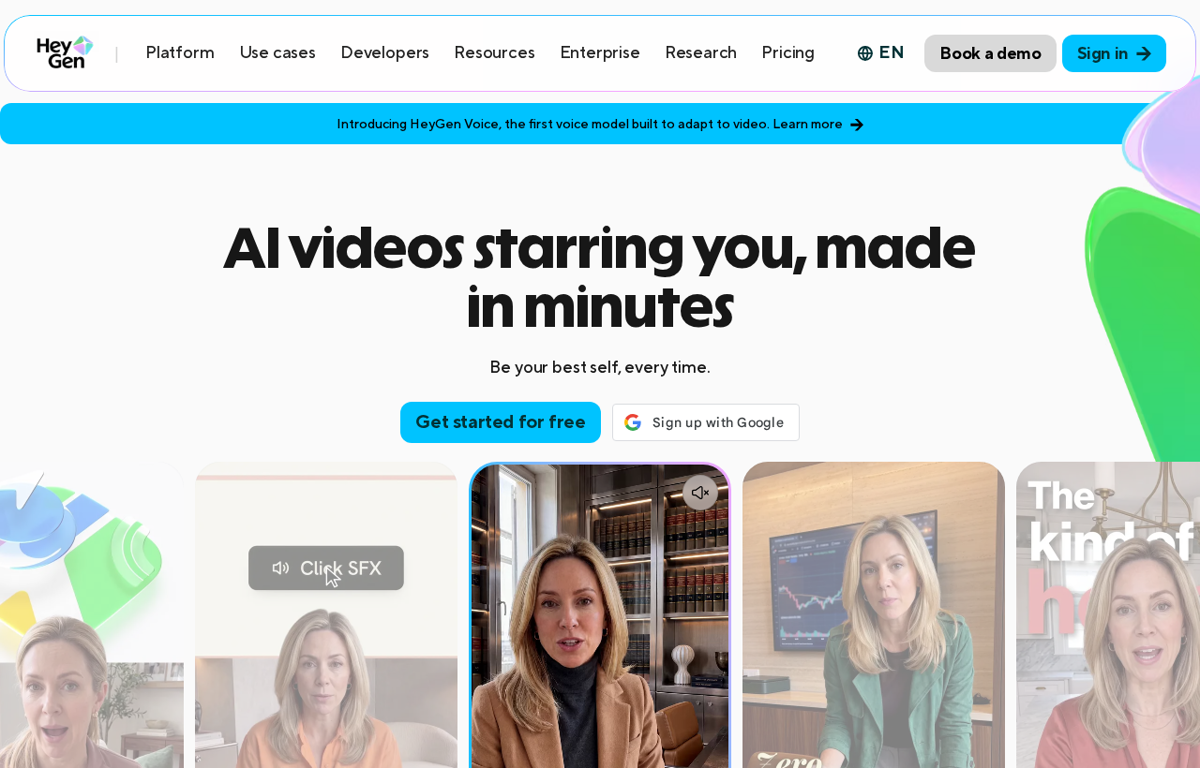
An AI video platform for avatars and voice. A person types a script and gets a talking head video with one of more than 1,100 avatars. Paid plans cover 175 languages and dialects and add voice cloning.
What it is used for
A marketing or training team that needs video without a camera crew.
It earns a place because a filmed update used to need a camera and a quiet room. A person types the script and gets a finished take in minutes. The same clip is then re-recorded in another language without booking the presenter again.
Trustpilot shows 4.1 out of 5 from 4,516 reviews. G2 shows 4.8 out of 5 from 1,973 reviews. GetApp shows 4.7 out of 5 from 319 reviews. TrustRadius shows 8.8 out of 10 from 11 reviews. Capterra showed no readable rating on the day we looked.
What they praise
- Reviewers say a script becomes a finished video fast.
- Reviewers like the realistic avatars and the natural lip sync.
- Reviewers value the language coverage for training and courses.
What they complain about
- Reviewers report that credits burn quickly on longer projects.
- Reviewers describe the credit system and the subscription as expensive.
- Reviewers report occasional voice and lip sync problems in languages other than English.
DeepL
What it does
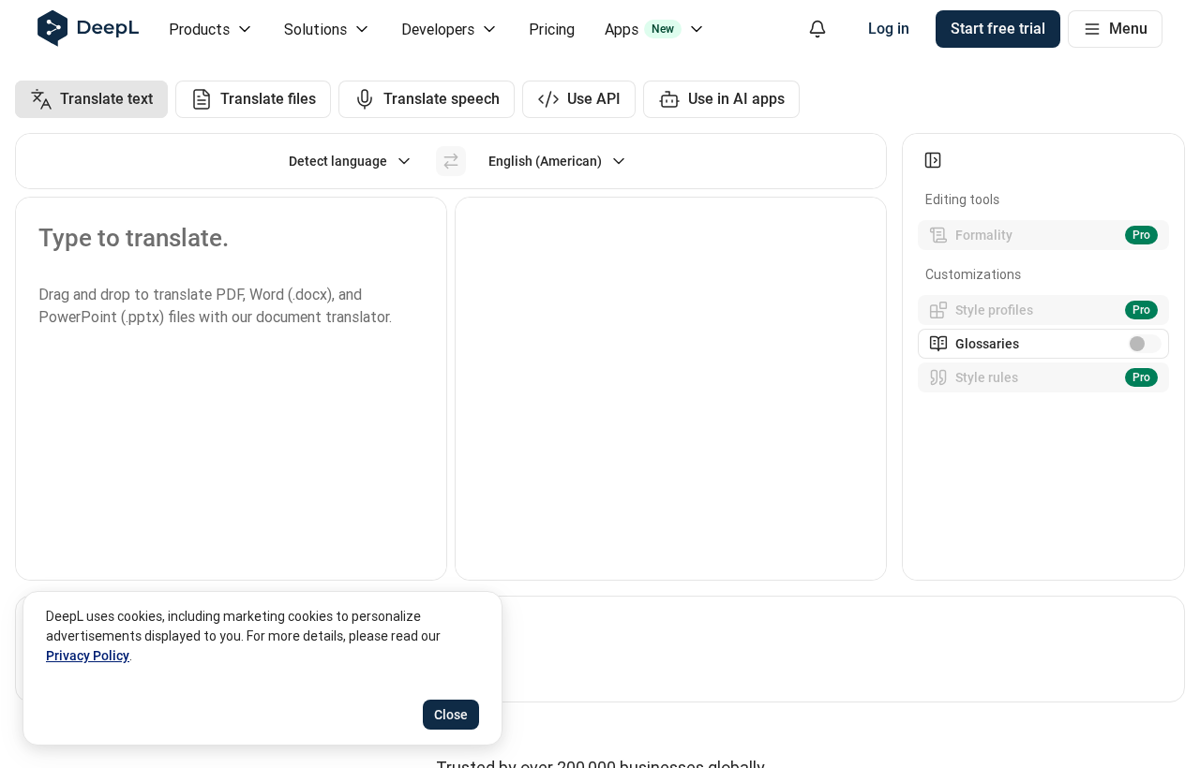
A translation platform for text and documents. It translates typed text and whole files such as PDF and Word documents. It also handles speech and adds glossaries and style rules for company wording.
What it is used for
A team that writes to customers or staff in more than one language.
It earns a place because a rough machine translation is worse than none. The output reads as though a person wrote it and keeps the tone of the original. A glossary then keeps product names and job titles consistent across a team.
Trustpilot shows 2.4 out of 5 from 779 reviews. G2 shows 4.6 out of 5 from 173 reviews. TrustRadius shows 8.9 out of 10 from 18 reviews. GetApp and Capterra showed no readable rating or page for the translator on the day we looked.
What they praise
- Reviewers praise the natural and context aware translations.
- Reviewers say the interface needs no training to use.
- Reviewers value file translation and support for less common languages.
What they complain about
- Reviewers report unexpected subscription renewals and charges.
- Reviewers say the free tier cuts off quickly on heavy use.
- Reviewers report occasional errors of gender and style that still need a human read.
n8n
What it does
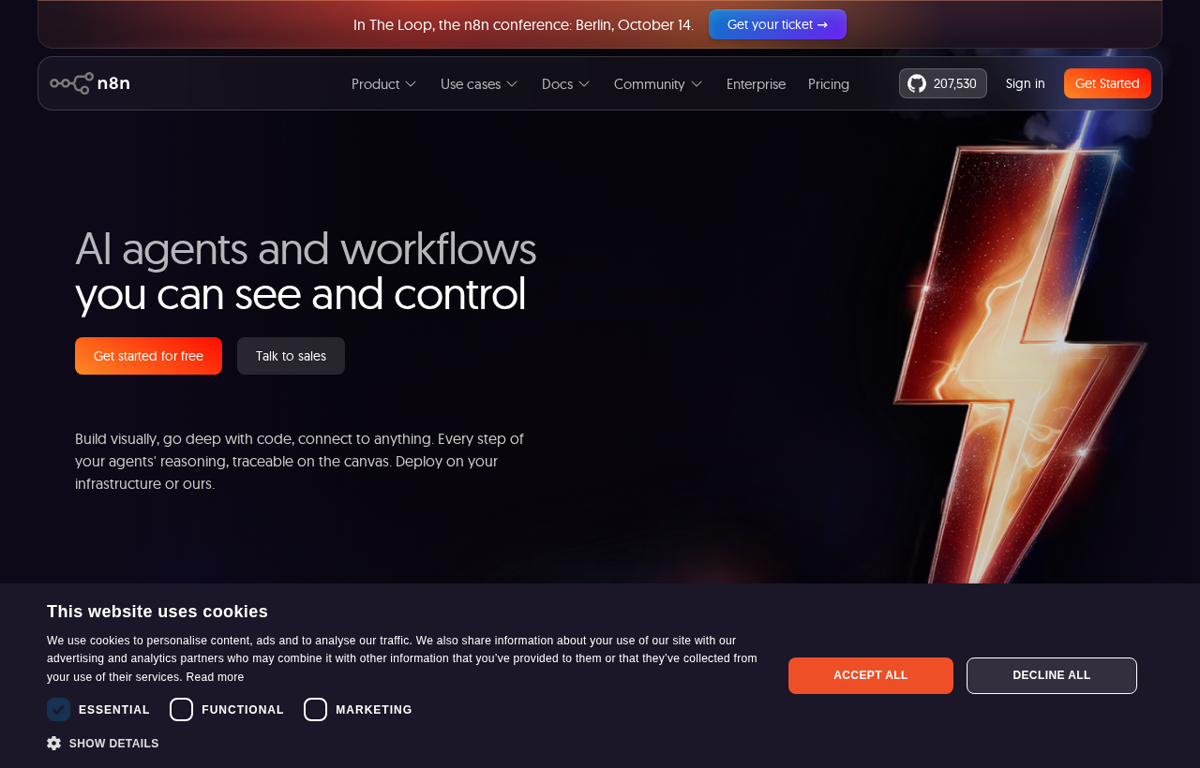
A workflow automation platform for technical teams. A person builds automations on a visual canvas and drops into code when a step needs it. It runs in the cloud or on a team's own servers and now carries AI agent steps.
What it is used for
An operations or IT team that joins many tools and wants to own the stack.
It earns a place because the handoffs between tools are where small teams lose hours. One canvas moves data between the accounts a team already pays for. The self hosted option then keeps the data inside the company.
Trustpilot shows 3.0 out of 5 from 50 reviews. G2 shows 4.7 out of 5 from 319 reviews. GetApp shows 4.6 out of 5 from 48 reviews. TrustRadius shows 9.3 out of 10 from 111 reviews. Capterra showed no readable rating on the day we looked.
What they praise
- Reviewers praise the flexibility and the self hosted option.
- Reviewers value the price against rivals that charge per action.
- Reviewers like mixing visual steps with custom code and APIs.
What they complain about
- Reviewers say complex workflows need real technical knowledge.
- Reviewers report that debugging a large workflow takes time.
- Reviewers note fewer ready made connectors than the big rivals offer.
Photoroom
What it does
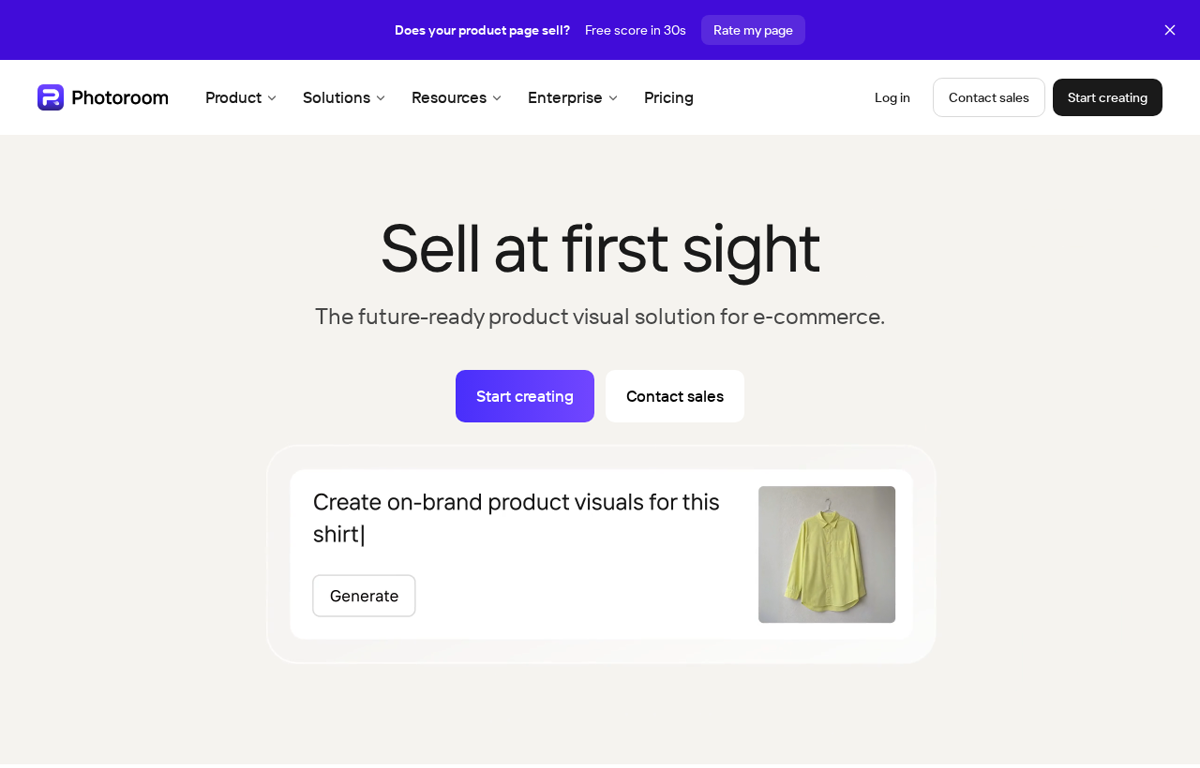
An AI photo editor for product images. It removes a background and generates new ones from a prompt. It also stages a product in a scene and builds virtual models for fashion shots.
What it is used for
An online seller or marketing team that shoots product photos every week.
It earns a place because a clean product photo is the first thing a buyer judges. A person lifts a phone shot onto a studio background in seconds without a photographer. A whole catalogue then goes through one batch instead of one image at a time.
Trustpilot shows 2.2 out of 5 from 272 reviews. G2 shows 4.3 out of 5 from 20 reviews. GetApp shows 4.6 out of 5 from 17 reviews. TrustRadius and Capterra showed no readable rating on the day we looked.
What they praise
- Reviewers praise the background removal for speed and accuracy.
- Reviewers value the AI backgrounds and shadows that lift a plain product shot.
- Reviewers like batch editing and the API for large catalogues.
What they complain about
- Reviewers say the useful features sit behind the paid plans.
- Reviewers report odd edges on hair and fine fabric that need a manual fix.
- Reviewers complain about subscription plan changes and the yearly price.
How to choose from this list
- Pick the tool that removes a job which repeats every week. A tool used once is a subscription.
- Give it to the person who does that job today. Never give it to the person who enjoys new software.
- Judge it after two weeks on one measure. Did the job stop landing on somebody's desk.
Every company in this post was checked for an affiliate programme. The disclosure line at the foot of the page explains the links.
We read the public review sites for each tool and name only the standings those pages showed. Where a page showed no readable rating we say so.
Ready to Build with AI?
See how AiBrainBuilders designs and deploys AI agents for business operations - or brings expert training to your team.
Request a ConversationDisclosure: some links on this page may be affiliate links. If you buy through one, we may earn a commission at no extra cost to you.