Top 5 AI Tools You Should Know: October 14, 2026
Five AI tools that each remove one repeating job from a small team. Every product fact below comes from the company's own site. Every standing below comes from a review site named inside the block.
// In this post
Airtable
What it does
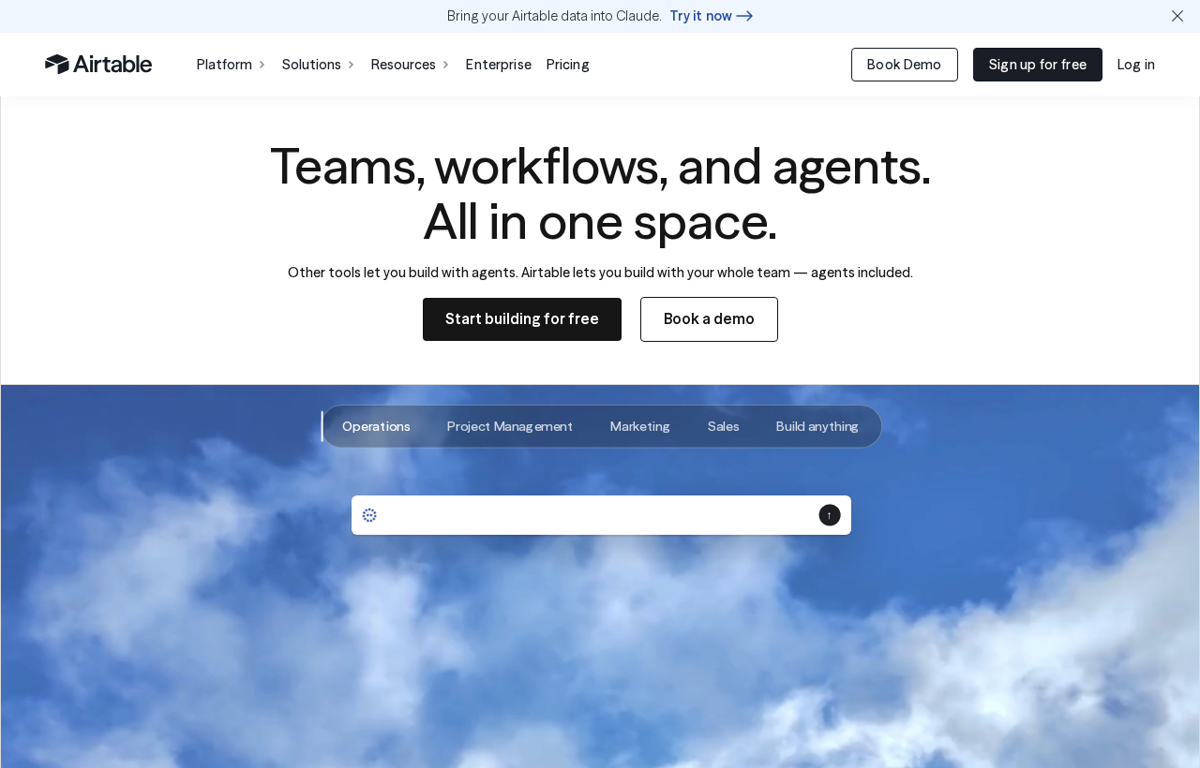
An AI ready platform for building apps on shared data. A team sets up one workspace and gives each job its own view. It also carries an AI layer that drafts apps and answers questions about the records.
What it is used for
A small team that tracks clients and projects in one custom app.
It earns a place because the data and the process live in one place. A team starts from a template and shapes it to its own work. The same base then feeds the dashboards and the automations.
G2 shows 4.6 out of 5 from 3,300 reviews. Trustpilot shows 1.9 out of 5 from 159 reviews. TrustRadius shows 8.5 out of 10 from 848 reviews. GetApp shows 4.6 out of 5 from about 2,200 reviews. Capterra showed no readable rating on the day we looked.
What they praise
- Reviewers like the flexible views that suit a spreadsheet habit.
- Reviewers value the automations and the wide set of integrations.
- Reviewers say the shared base keeps a team on one version of the truth.
What they complain about
- Reviewers report a steep learning curve on the advanced features.
- Reviewers say the paid plans cost a lot for a small team.
- Trustpilot reviewers report billing and cancellation problems.
Zapier
What it does
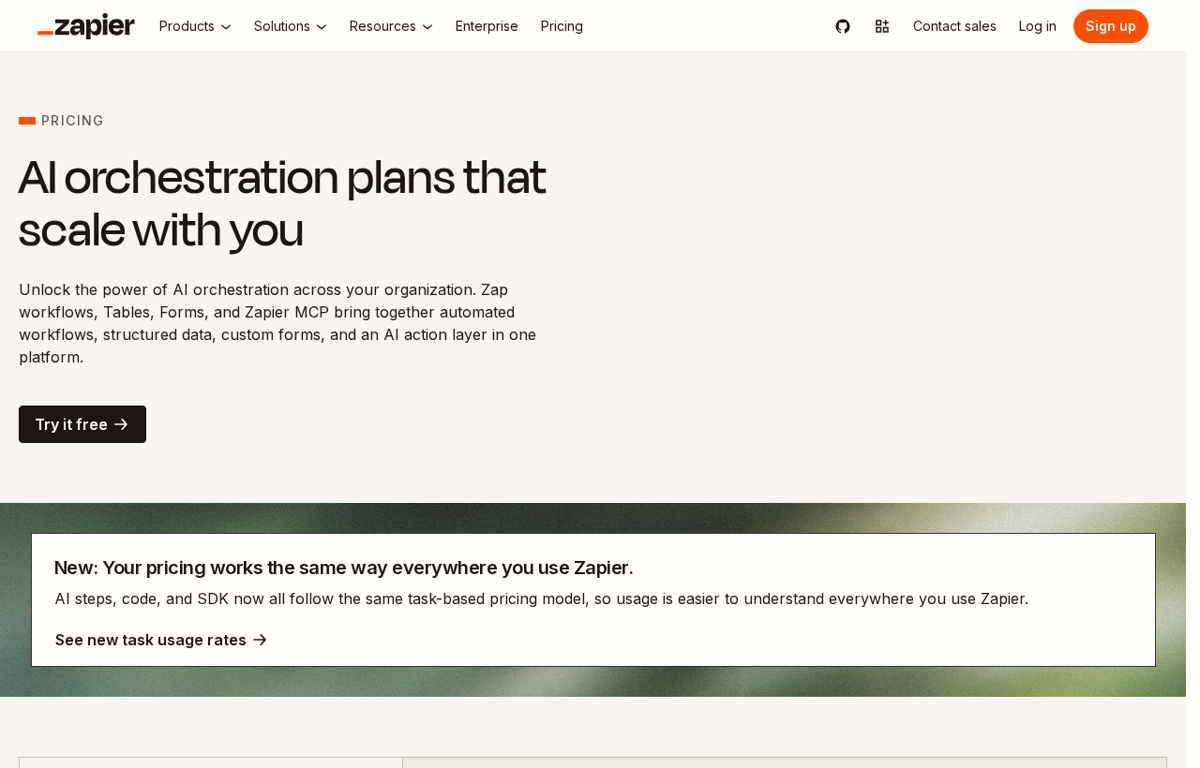
An automation platform that links the apps a team already runs. A person builds a workflow once and it moves data on its own. It also lets an AI assistant take actions inside those connected apps.
What it is used for
A team that copies data between tools by hand every week.
It earns a place because most small firms run on ten tools that do not talk. Zapier joins them without a developer. A lead captured in one app then lands in the CRM and the inbox on its own.
G2 shows 4.5 out of 5 from 2,088 reviews. TrustRadius shows 8.9 out of 10 from 887 reviews. GetApp shows 4.7 out of 5 from about 3,000 reviews. Trustpilot shows 1.3 out of 5 from 322 reviews. Capterra did not show a readable page for it.
What they praise
- Reviewers praise the easy setup for a non technical user.
- Reviewers say it removes manual copying and the errors that follow.
- Reviewers value the support that answers even on a free plan.
What they complain about
- Trustpilot reviewers report support that did not resolve their case.
- Reviewers report a strict no refund policy.
- Reviewers report unexpected charges on the account.
HubSpot
What it does
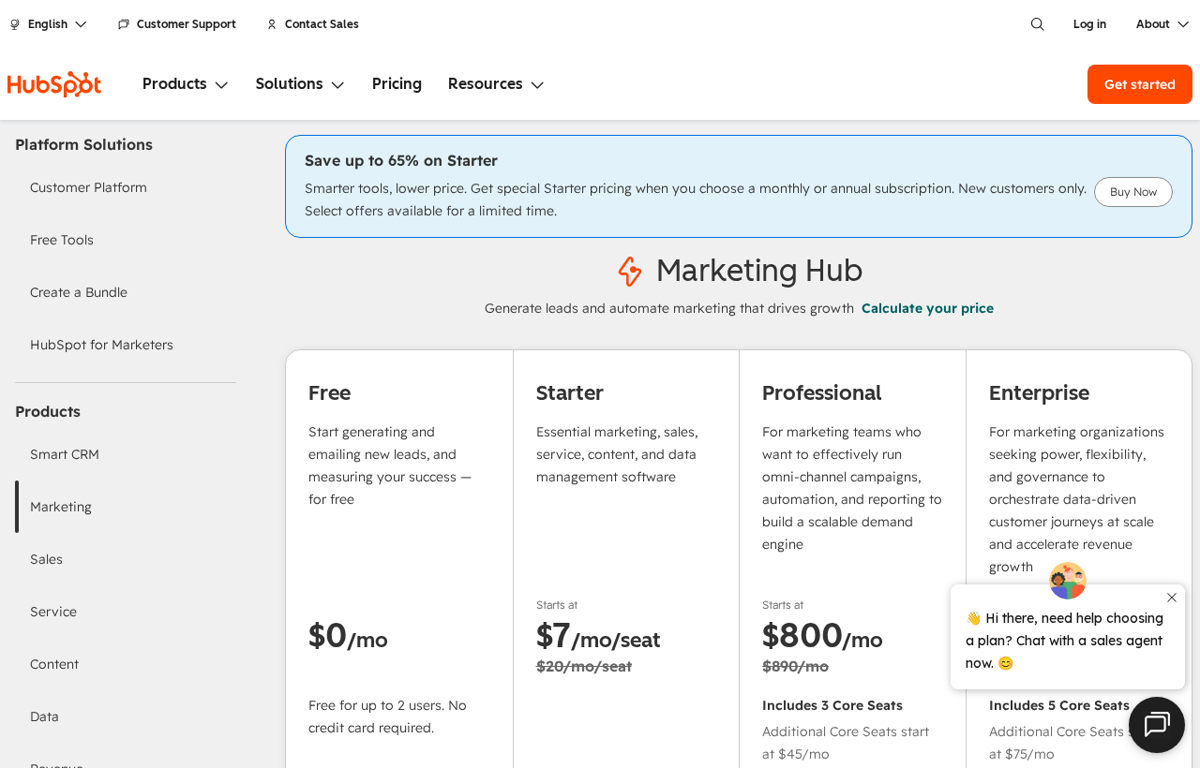
A customer platform with a CRM at its centre. A team keeps contacts and deals in one place and runs email and campaigns beside them. The free tier starts as a single contact record and grows into the paid hubs.
What it is used for
A sales and marketing team that wants one shared record of every customer.
It earns a place because the free CRM is a real starting point and the rest of the stack sits beside it. A team can run its first campaign without a second tool. The same record then shows the whole history of a buyer.
G2 shows 4.4 out of 5 from 15,975 reviews. TrustRadius shows 8.4 out of 10 from 2,317 reviews. Trustpilot shows 1.5 out of 5 from 1,179 reviews. GetApp and Capterra showed no readable rating on the day we looked.
What they praise
- Reviewers praise the marketing automation and the email workflows.
- Reviewers value the central CRM that replaces several tools.
- Reviewers say the landing pages are quick to build.
What they complain about
- Reviewers say the cost rises sharply with a larger contact list.
- Trustpilot reviewers report slow and unresolved support.
- Reviewers find the platform overly complex to navigate.
Buffer
What it does
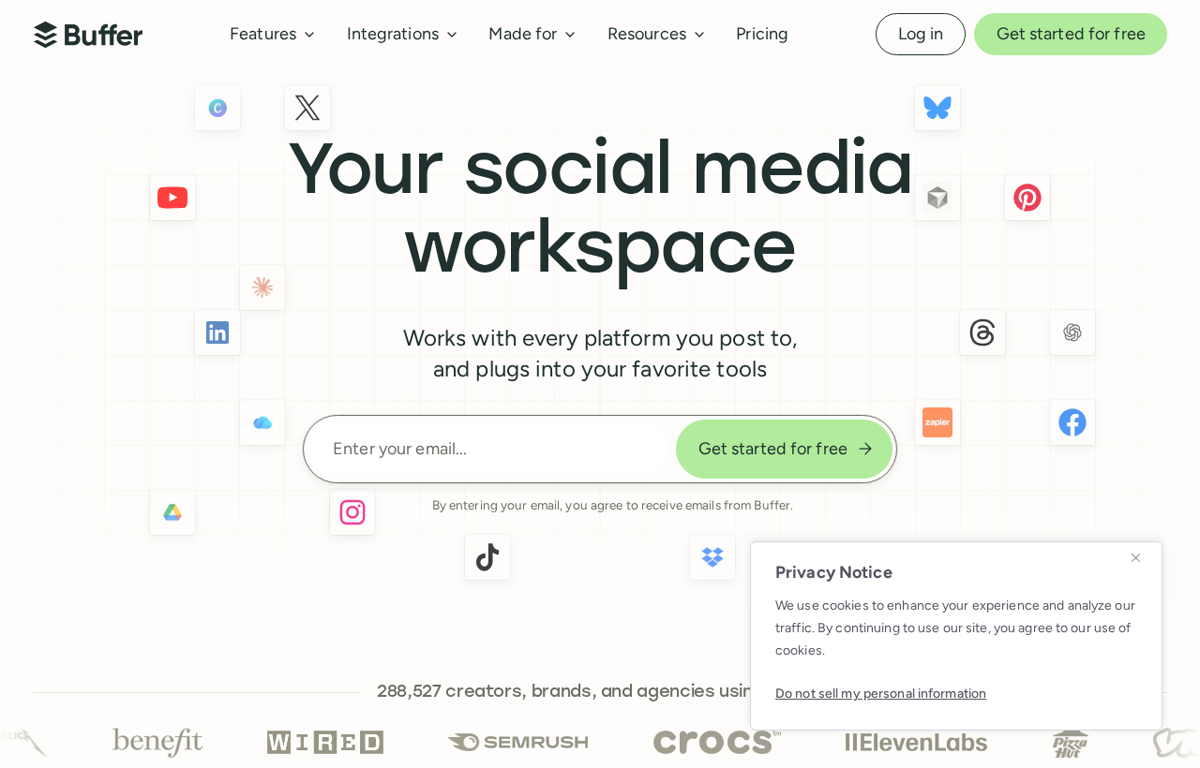
A workspace for planning and scheduling social posts. A team writes once and sends to each channel from one dashboard. It adds a comment inbox and simple analytics beside the schedule.
What it is used for
A team that runs its own social accounts with no agency.
It earns a place because the price starts at a few dollars a channel. A single person can keep five accounts moving. The queue then holds the next week of posts in one view.
Trustpilot shows 3.8 out of 5 from 129 reviews. G2 shows 4.3 out of 5 from 1,041 reviews. Capterra shows 4.5 out of 5 from 1,492 reviews. GetApp shows 4.5 out of 5 from the same count. TrustRadius shows 7.6 out of 10 from 420 reviews.
What they praise
- Reviewers say it saves hours across several platforms.
- Reviewers praise the simple interface and the human support.
- Reviewers value the analytics that guide the next post.
What they complain about
- Reviewers report limits on Reels and some carousel posts.
- Reviewers report trouble with tagging on LinkedIn and Instagram.
- Reviewers say the analytics are thinner than they would like.
Loom
What it does
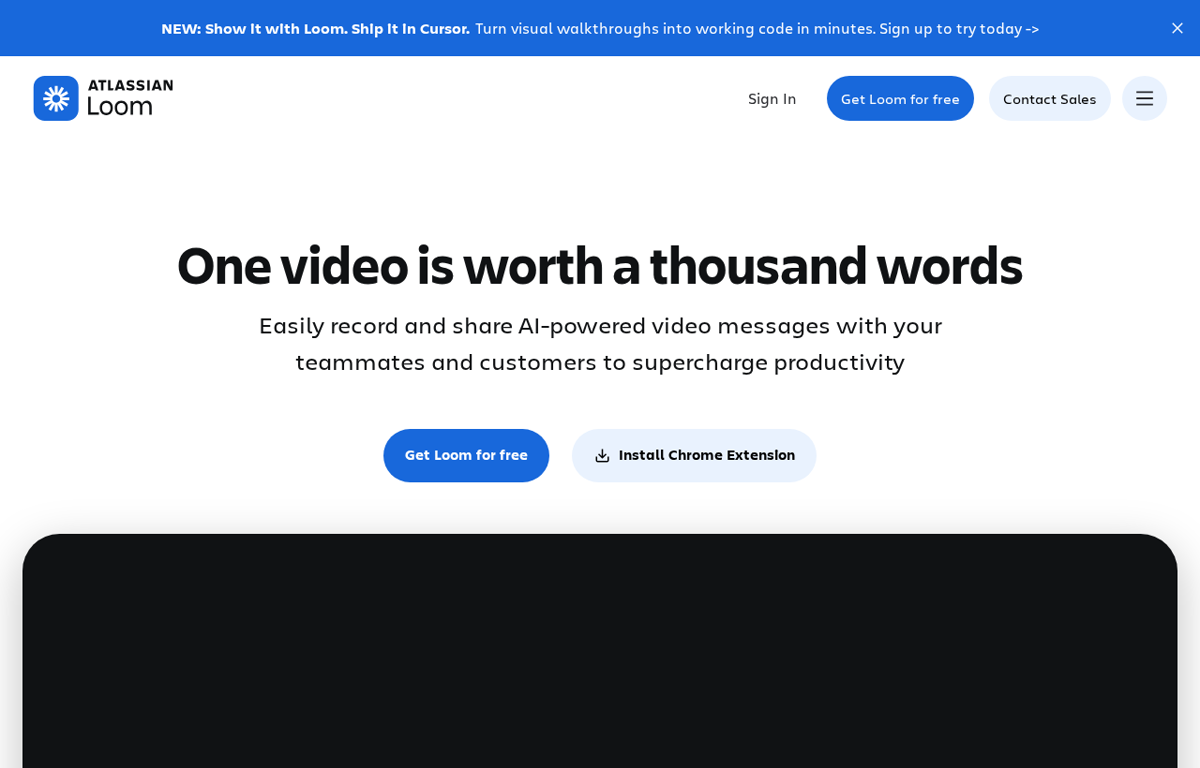
A screen and camera recorder that produces a shareable link. A person records a walkthrough and sends the link instead of booking a call. It adds transcripts and viewer insights to each video.
What it is used for
A team that explains things to clients and staff across time zones.
It earns a place because a short video often replaces a meeting. One person records the walkthrough and the whole team replays it later. The link then holds the answer without anyone repeating it.
G2 shows 4.7 out of 5 from 2,415 reviews. GetApp shows 4.6 out of 5 from 531 reviews. TrustRadius shows 9.4 out of 10 from 187 reviews. Trustpilot shows 1.4 out of 5 from 285 reviews. Capterra showed no readable overall rating.
What they praise
- Reviewers praise the fast recording and the quick share link.
- Reviewers say it cuts meetings on a remote team.
- Reviewers value the transcripts and the auto summaries.
What they complain about
- Reviewers report the free plan caps videos at five minutes.
- Reviewers report occasional bugs and audio sync problems.
- Trustpilot reviewers report unwanted renewals and hard cancellation.
How to choose from this list
- Pick the tool that removes a job which repeats every week. A tool used once is a subscription.
- Give it to the person who does that job today. Never give it to the person who enjoys new software.
- Judge it after two weeks on one measure. Did the job stop landing on somebody's desk.
Every company in this post was checked for an affiliate programme. The disclosure line at the foot of the page explains the links.
We read the public review sites for each tool and name only the standings those pages showed. Where a page showed no readable rating we say so.
Ready to Build with AI?
See how AiBrainBuilders designs and deploys AI agents for business operations - or brings expert training to your team.
Request a ConversationDisclosure: some links on this page may be affiliate links. If you buy through one, we may earn a commission at no extra cost to you.