Top 5 AI Tools You Should Know: October 13, 2026
Five AI tools that each remove one repeating job from a small team. Every product fact below comes from the company's own site. Every standing below comes from a review site named inside the block.
// In this post
Brevo
What it does
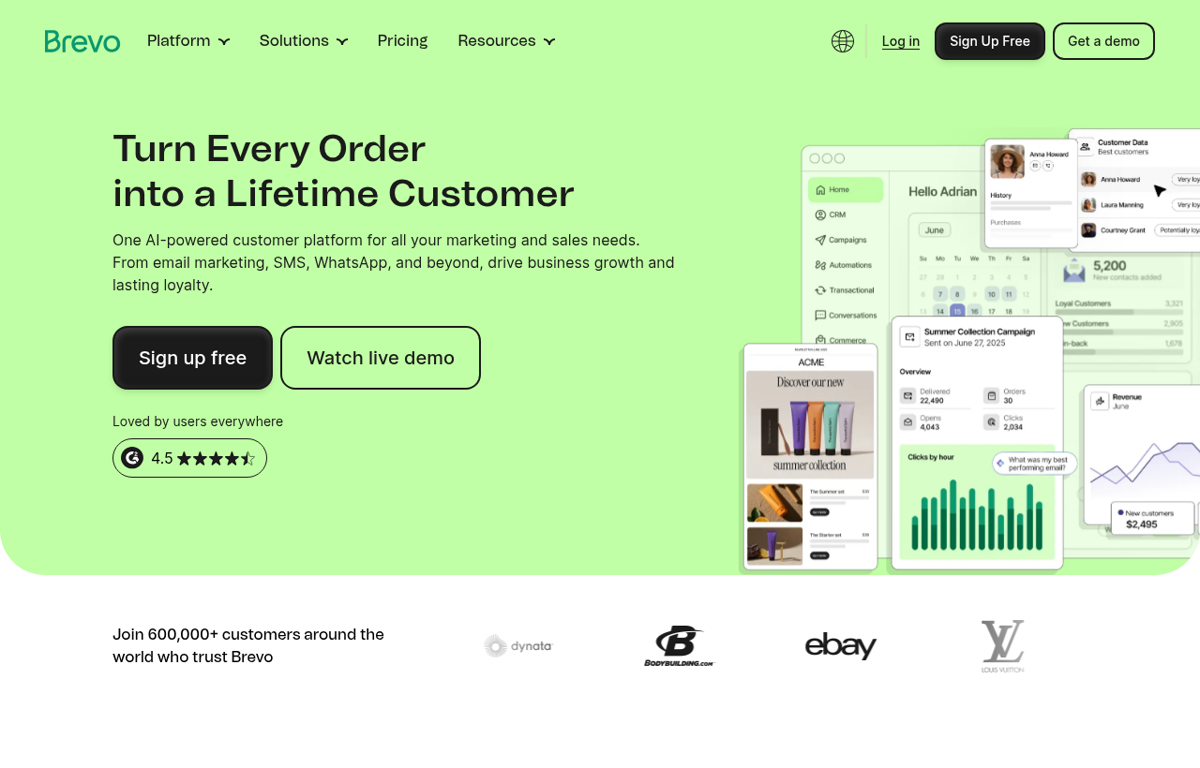
An AI powered customer platform. A team sends email and SMS and WhatsApp from one place. It also holds a CRM and a shared team inbox.
What it is used for
A small team that runs marketing and sales from one tool.
It earns a place because the audience and the campaign sit together. A team sends a first campaign on a free plan. The same platform then holds the replies and the sales pipeline.
Trustpilot scores it 3.9 out of 5 from 7,242 reviews. GetApp scores it 4.6 out of 5 from 3,474 reviews. G2 and Capterra did not show a readable rating on the day we looked. TrustRadius did not show a readable rating either.
What they praise
- Reviewers praise the clean interface and the easy setup.
- Reviewers value the flexible pricing and the generous free plan.
- Reviewers say support answers quickly and helps.
What they complain about
- Reviewers report onboarding steps that feel pushy.
- Reviewers say the platform takes time to learn.
- Reviewers report a weak experience on mobile.
Motion
What it does
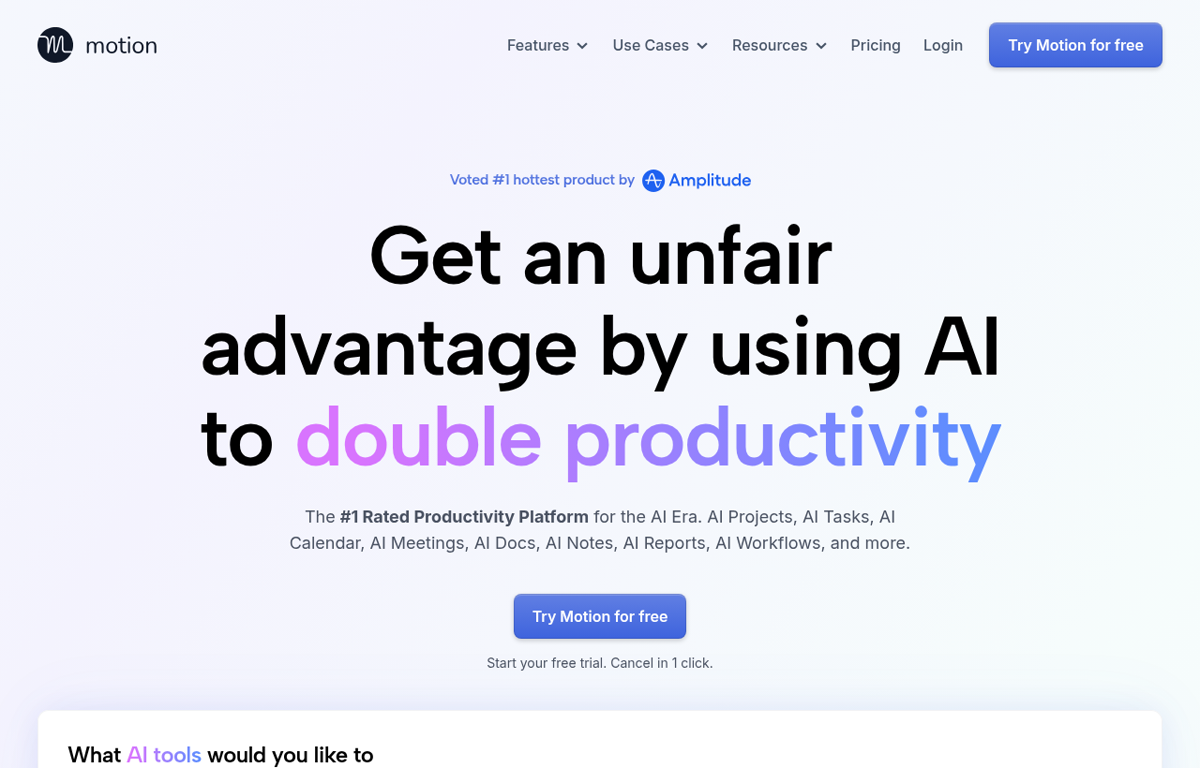
An AI productivity platform. It turns tasks and deadlines into a daily plan. It also drafts notes and project updates.
What it is used for
A team that loses hours to scheduling and status updates.
It earns a place because the calendar and the task list are one system. A manager sets the deadline and the day rebuilds around it. The team then sees the same plan in one place.
Trustpilot scores it 3.7 out of 5 from 578 reviews. GetApp scores it 4.3 out of 5 from 89 reviews. G2 and Capterra did not show a readable rating. TrustRadius did not show a readable page for it.
What they praise
- Reviewers praise the AI calendar and the automatic scheduling.
- Reviewers say it raises productivity for a team.
- Reviewers value meeting notes that become tasks.
What they complain about
- Trustpilot reviewers report surprise subscription charges.
- Reviewers say the project side lags the calendar.
- Reviewers report slow support and awkward cancellation.
Typeform
What it does
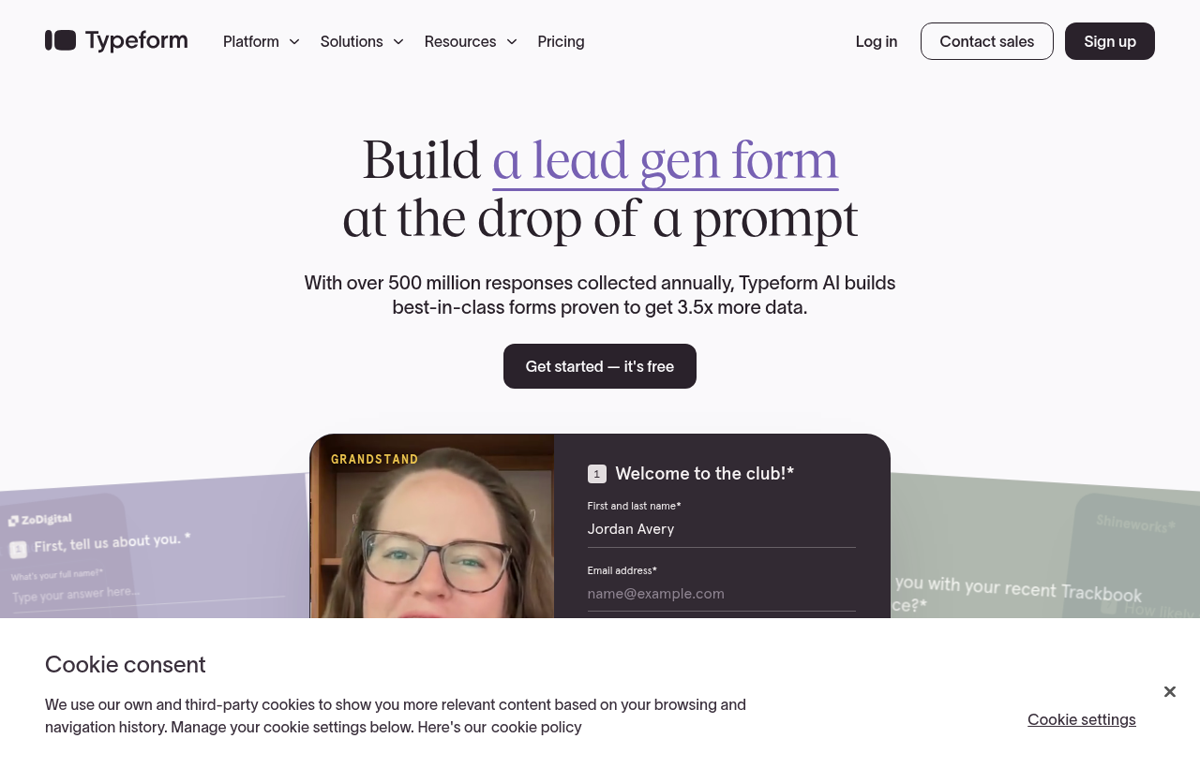
An AI form and survey builder. A team builds a form from a prompt and it adapts to each respondent. It then routes the answers into follow up steps.
What it is used for
A team that collects leads or feedback and wants a higher finish rate.
It earns a place because a plain form loses people. Typeform reshapes each question for the person answering. The team then gets cleaner data and fewer dead ends.
Trustpilot scores it 2.7 out of 5 from 783 reviews. GetApp scores it 4.7 out of 5 from 983 reviews. G2 and Capterra did not show a readable rating. TrustRadius did not show a readable rating.
What they praise
- Reviewers praise the design and the easy setup.
- Reviewers value the logic and the customisation.
- Reviewers say the forms feel engaging and lift response.
What they complain about
- Trustpilot reviewers report steep price rises.
- Reviewers say support is slow and promised features lag.
- Reviewers report problems with published forms on a site.
Gorgias
What it does
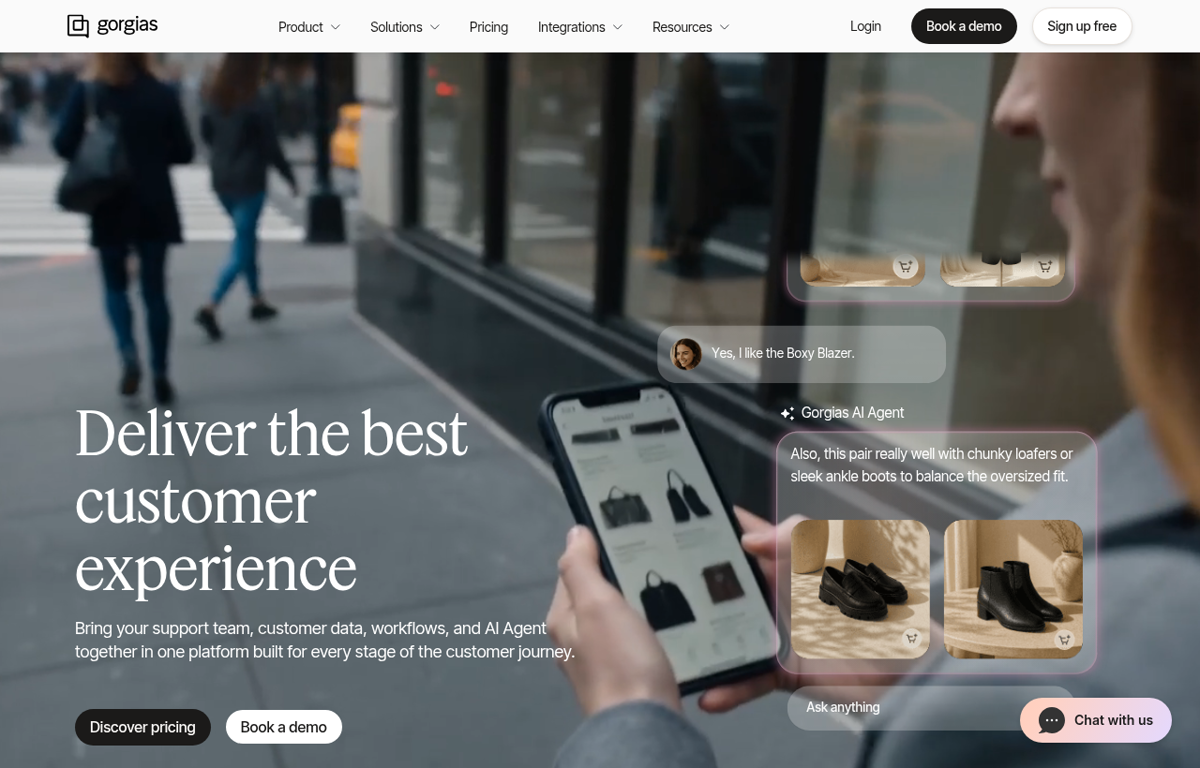
An AI helpdesk built for online stores. An AI agent answers the common questions and a person takes the rest. It reads order data from Shopify and similar platforms.
What it is used for
A store that answers the same questions all day.
It earns a place because the AI and the inbox share one view. The agent answers the simple tickets and hands the hard ones over. The team then spends its time on the buyers who need a person.
Trustpilot scores it 2.0 out of 5 from 153 reviews. GetApp scores it 4.6 out of 5 from 135 reviews. TrustRadius scores it 8.3 out of 10 from 32 reviews. G2 and Capterra did not show a readable rating.
What they praise
- Reviewers praise the user friendly design.
- Reviewers value the Shopify data and the automation.
- Reviewers say it brings support channels into one place.
What they complain about
- Trustpilot reviewers call a recent update unusable.
- Reviewers report weak support and misleading answers.
- Reviewers say the lower plans limit features and rules.
Webflow
What it does
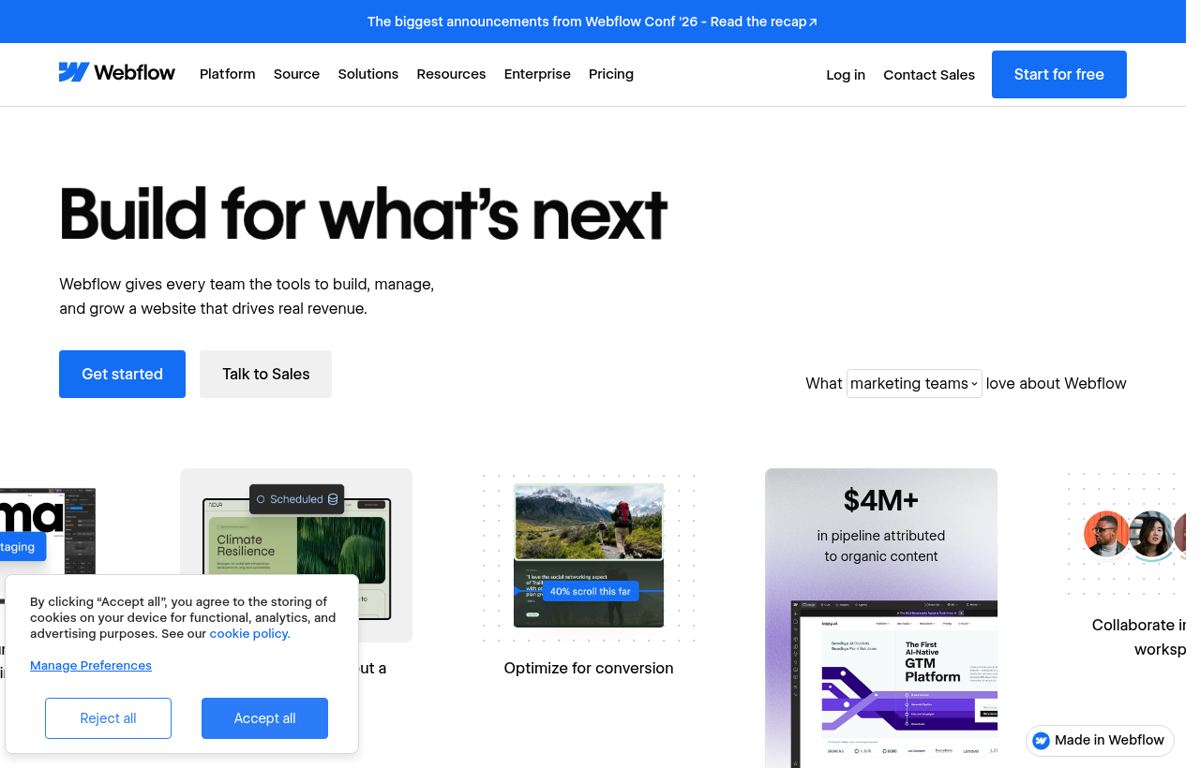
A visual website builder. A team designs a page and publishes it without a developer. It adds a CMS and AI search tools on the same site.
What it is used for
A team that keeps editing its own site and wants a clean build.
It earns a place because the design and the build stay in one tool. A marketer edits the page without a developer. The team then ships a change the same day.
Trustpilot scores it 1.5 out of 5 from 239 reviews. GetApp scores it 4.5 out of 5 from 267 reviews. G2 and Capterra did not show a readable rating. TrustRadius did not show a readable rating.
What they praise
- Reviewers praise the design freedom and the visual editor.
- Reviewers value building a custom site without code.
- Reviewers say the free plan helps a small start.
What they complain about
- Trustpilot reviewers report sudden price rises and hosting costs.
- Reviewers say the tool is complex to learn.
- Reviewers report slow support and image upload problems.
How to choose from this list
- Pick the tool that removes a job which repeats every week. A tool used once is a subscription.
- Give it to the person who does that job today. Never give it to the person who enjoys new software.
- Judge it after two weeks on one measure. Did the job stop landing on somebody's desk.
Every company in this post was checked for an affiliate programme. The disclosure line at the foot of the page explains the links.
We read the public review sites for each tool and name only the standings those pages showed. Where a page showed no readable rating we say so.
Ready to Build with AI?
See how AiBrainBuilders designs and deploys AI agents for business operations - or brings expert training to your team.
Request a ConversationDisclosure: some links on this page may be affiliate links. If you buy through one, we may earn a commission at no extra cost to you.