Top 5 AI Tools You Should Know: October 11, 2026
Five AI tools that each remove one repeating job from a small team. Every product fact below comes from the company's own site. Every rating comes from a review site named inside the block.
// In this post
- Notion- Run the team wiki and docs with AI
- Grammarly- Check and improve writing as you type
- ClickUp- Run projects and tasks with an AI assistant
- Fireflies.ai- Take meeting notes and a transcript
- Canva- Design social posts and decks with AI
Notion
What it does
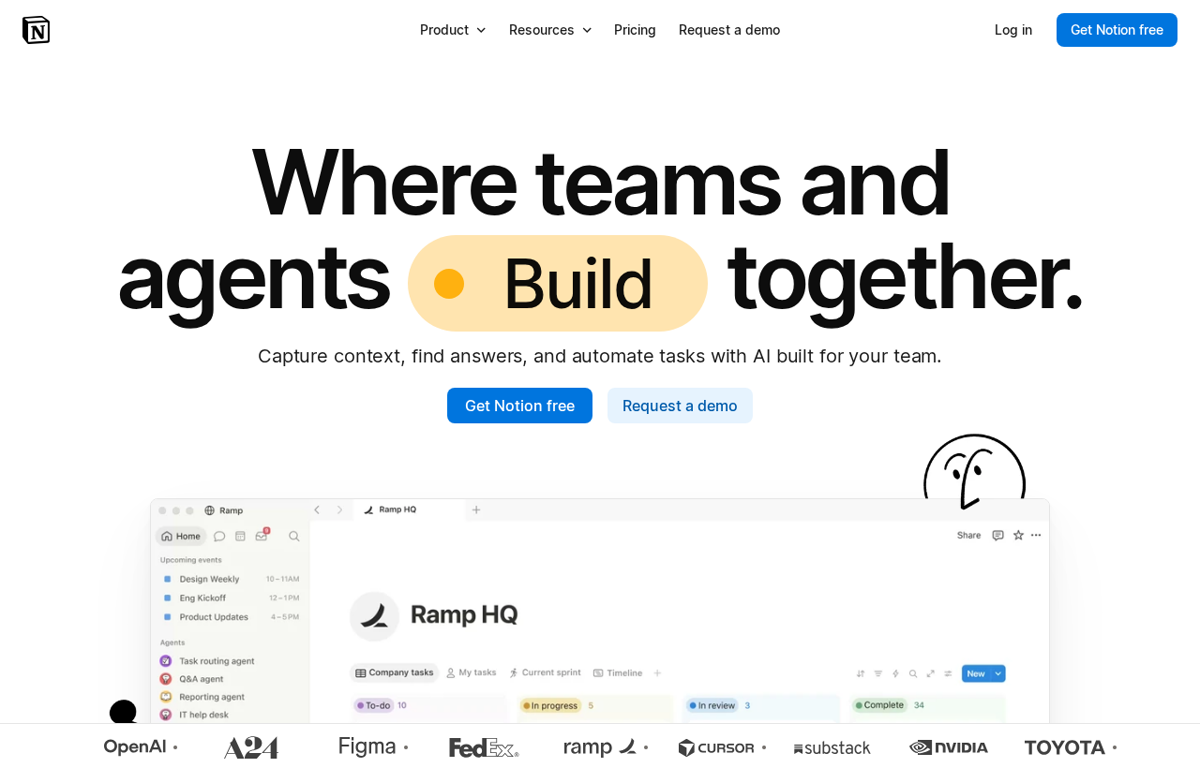
An AI workspace. A team writes its docs and its wiki in one place. Custom agents then answer questions from that content.
What it is used for
A team that keeps its notes and its project data in one searchable home.
It earns a place because the notes and the tasks live on the same page. A new teammate reads the wiki instead of asking around. The AI layer then answers a question from that same content.
Trustpilot scores it 2.2 out of 5 from 438 reviews. G2 scores it 4.6 out of 5 from 13,872 reviews. GetApp scores it 4.7 out of 5 from 2,835 reviews. TrustRadius scores it 8.7 out of 10 from 1,196 reviews. Capterra did not show a rating we could read.
What they praise
- Reviewers value the templates and the flexible pages.
- Reviewers praise the mix of notes and tasks on one page.
- Reviewers like the free plan for a small team.
What they complain about
- Reviewers say the learning curve is steep for a new user.
- Reviewers report slow loading on a large database.
- Reviewers say the offline mode is limited.
Grammarly
What it does
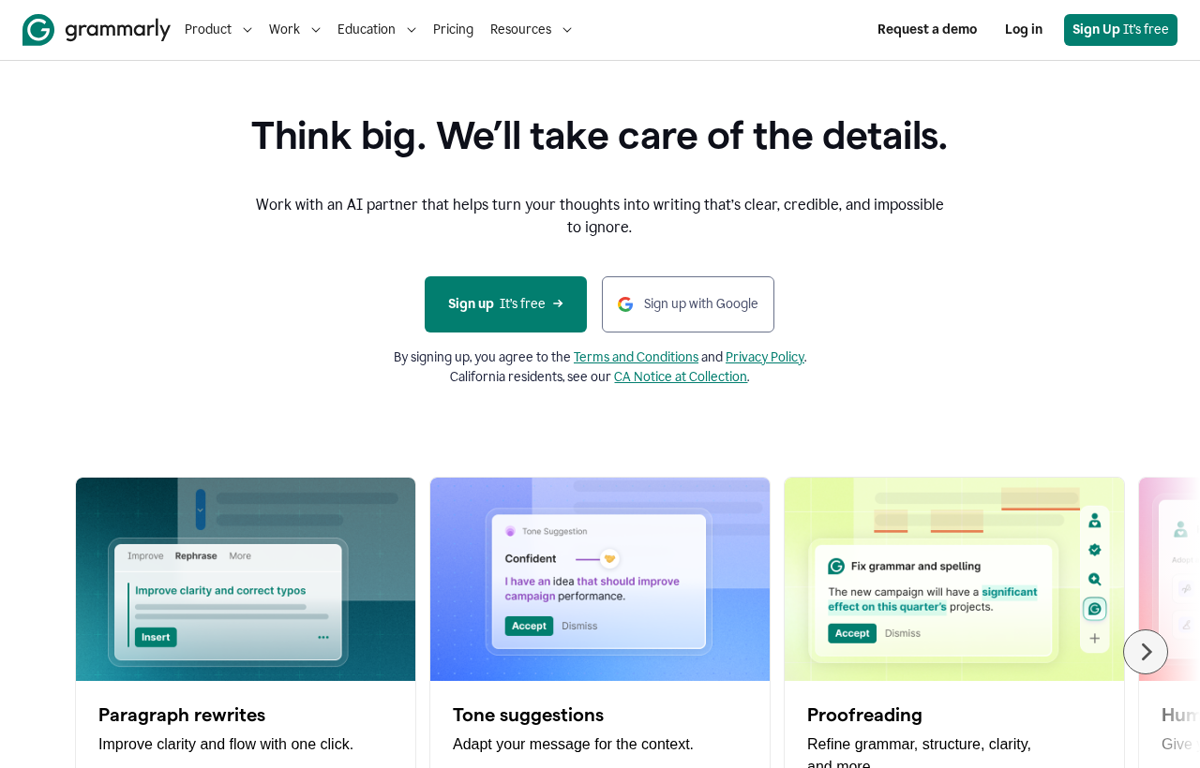
An AI writing assistant. It corrects grammar and rewrites a sentence for clarity. It also suggests a tone for the reader.
What it is used for
A team that writes client emails and proposals every day.
It earns a place because it works inside the app where the writing already happens. A draft leaves with fewer errors and a steadier tone. The edit arrives before a colleague has to mark it up.
Trustpilot scores it 3.1 out of 5 from 10,473 reviews. G2 scores it 4.7 out of 5 from 14,076 reviews. TrustRadius scores it 9.1 out of 10 from 391 reviews. Capterra and GetApp did not show a rating we could read.
What they praise
- Reviewers say it saves time on everyday writing.
- Reviewers value the help with spelling and grammar.
- Reviewers praise the simple free trial.
What they complain about
- Trustpilot reviewers report surprise charges and a hard cancellation.
- Reviewers say the prompts can interrupt the flow.
- Reviewers report trouble with long documents.
ClickUp
What it does
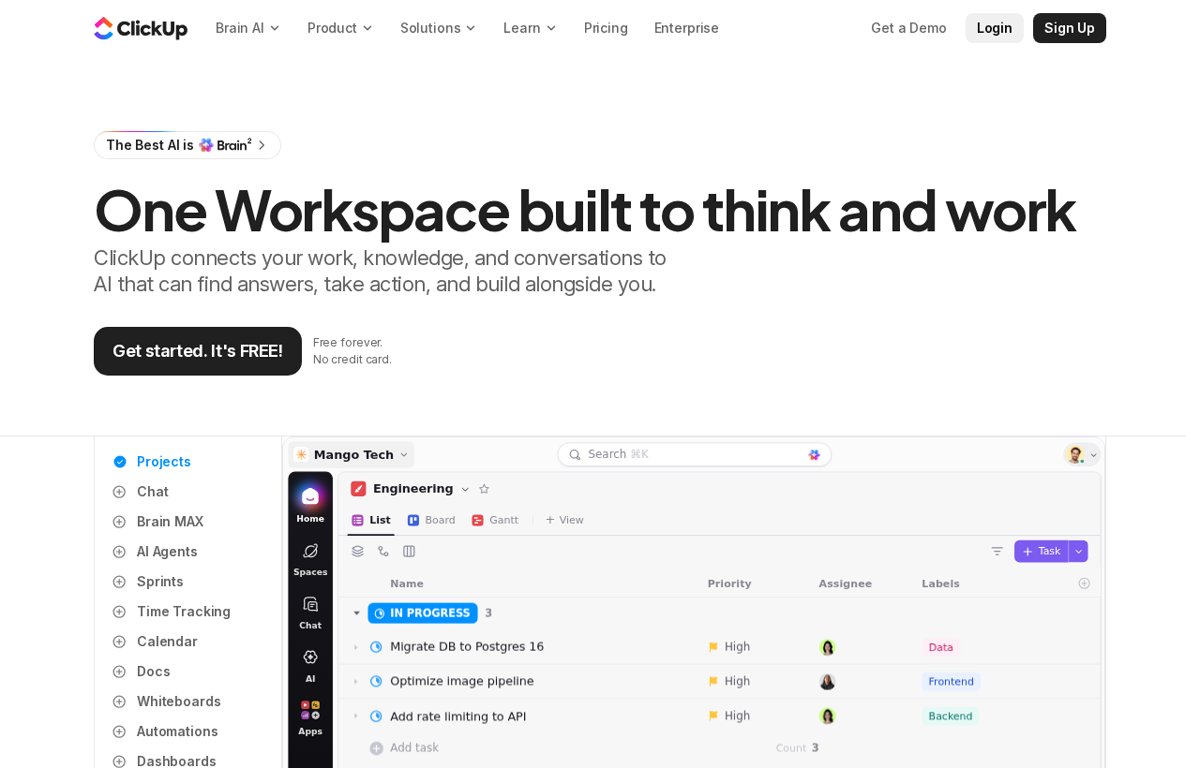
A project and task workspace. It holds tasks and docs and dashboards in one place. An AI assistant then answers a question from that work.
What it is used for
A team that runs many client projects and wants one board for all of them.
It earns a place because the work and the reporting sit together. A manager sees the status without a second tool. The AI layer then reads the notes and answers a question in the team channel.
Trustpilot scores it 4.2 out of 5 from 716 reviews. G2 scores it 4.6 out of 5 from 14,851 reviews. Capterra scores it 4.6 out of 5 from 4,635 reviews. GetApp scores it 4.6 out of 5 from 4,635 reviews. TrustRadius scores it 8.8 out of 10 from 1,805 reviews.
What they praise
- Reviewers value the task and doc views in one workspace.
- Reviewers praise the dashboards and the reporting.
- Reviewers like the free plan.
What they complain about
- Reviewers call the interface heavy for a new user.
- Reviewers report lag after a large update.
- Reviewers say the mobile app is weaker than the desktop.
Fireflies.ai
What it does
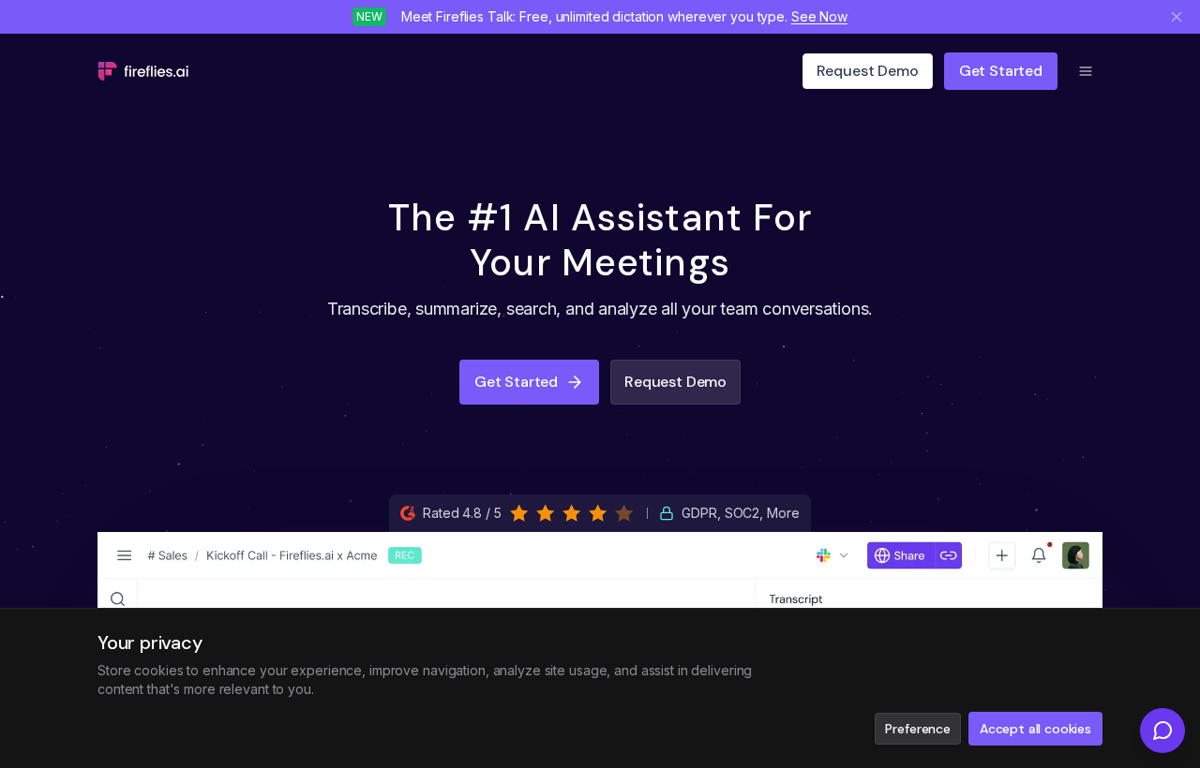
An AI notetaker. It joins a call and writes a transcript. It returns a summary and the action items.
What it is used for
A team that runs many client calls and wants the notes without a writer.
It earns a place because the notes are ready when the call ends. The transcript stays searchable across the team. A follow up email starts from the summary.
Trustpilot scores it 4.5 out of 5 from 848 reviews. G2 scores it 4.7 out of 5 from 754 reviews. TrustRadius scores it 9.3 out of 10 from 36 reviews. Capterra and GetApp did not show a rating we could read.
What they praise
- Reviewers call the transcripts and summaries accurate.
- Reviewers value the search across past meetings.
- Reviewers praise the speed of the notes.
What they complain about
- Trustpilot reviewers report slow support during troubleshooting.
- Reviewers report a missed recording at times.
- Reviewers note strict sign-in rules across devices.
Canva
What it does
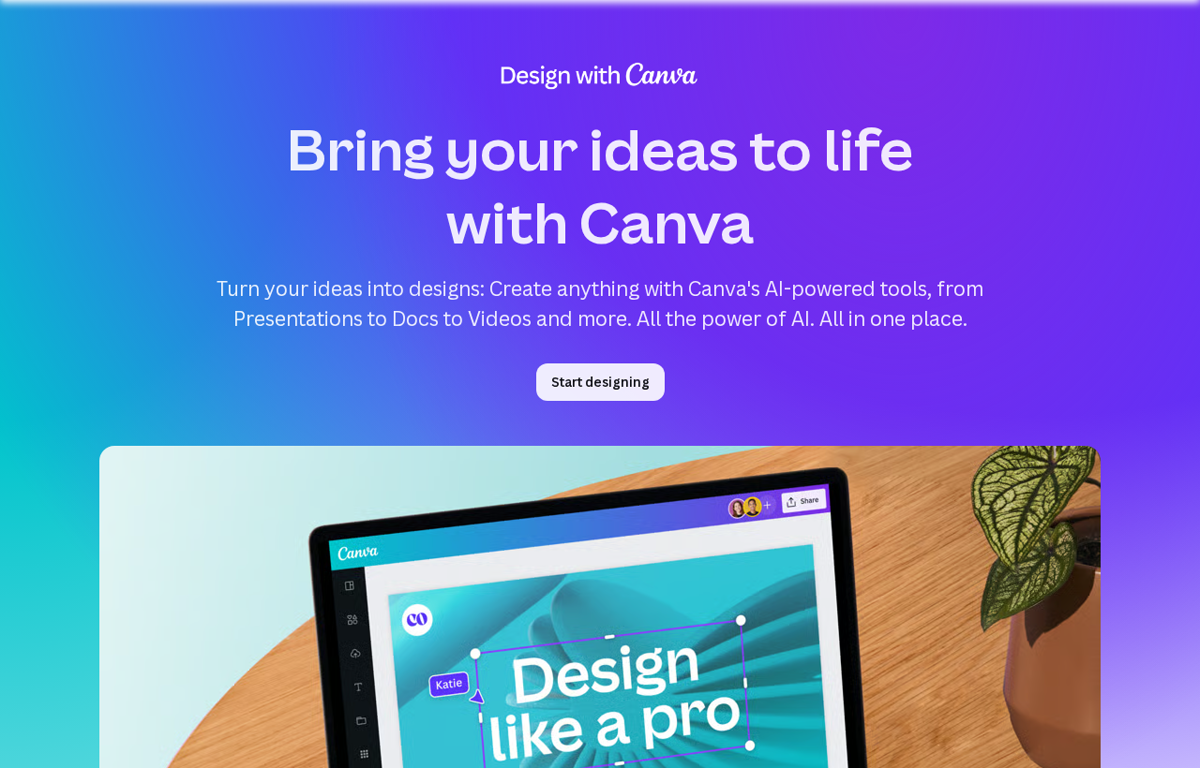
A visual design tool for a team. It makes social posts and decks from a prompt or a template. A brand kit keeps the look consistent.
What it is used for
A team that needs on brand graphics without a designer.
It earns a place because a non designer ships a clean graphic in minutes. The templates carry the layout. The team then keeps the colours and the fonts in one brand kit.
Trustpilot scores it 4.0 out of 5 from 7,698 reviews. G2 scores it 4.7 out of 5 from 7,726 reviews. Capterra scores it 4.7 out of 5 from 13,458 reviews. GetApp scores it 4.7 out of 5 from 13,458 reviews. TrustRadius scores it 9.1 out of 10 from 2,224 reviews.
What they praise
- Reviewers call the editor easy for a non designer.
- Reviewers value the template library and the stock media.
- Reviewers praise the free plan.
What they complain about
- Reviewers say the best assets sit behind the paid plan.
- Reviewers report slow editing on large files.
- Reviewers note the mobile app is cramped for complex edits.
How to choose from this list
- Pick the tool that removes a job which repeats every week. A tool used once is a subscription.
- Give it to the person who does that job today. Never give it to the person who enjoys new software.
- Judge it after two weeks on one measure. Did the job stop landing on somebody's desk.
Every company in this post was checked for an affiliate programme. The disclosure line at the foot of the page explains the links.
We read the public review sites for each tool and name only the scores they show. Where a site showed no readable rating we say so.
// The five again, with links
- Notion- www.notion.com
- Grammarly- www.grammarly.com
- ClickUp- clickup.com
- Fireflies.ai- fireflies.ai
- Canva- www.canva.com
Ready to Build with AI?
See how AiBrainBuilders designs and deploys AI agents for business operations - or brings expert training to your team.
Request a ConversationDisclosure: some links on this page may be affiliate links. If you buy through one, we may earn a commission at no extra cost to you.