Top 5 AI Tools You Should Know: October 7, 2026
Five tools that each remove one repeating job from a small team. Every product fact below comes from the company's own page. Every rating comes from the review sites named inside the block.
// In this post
VEED.io
What it does
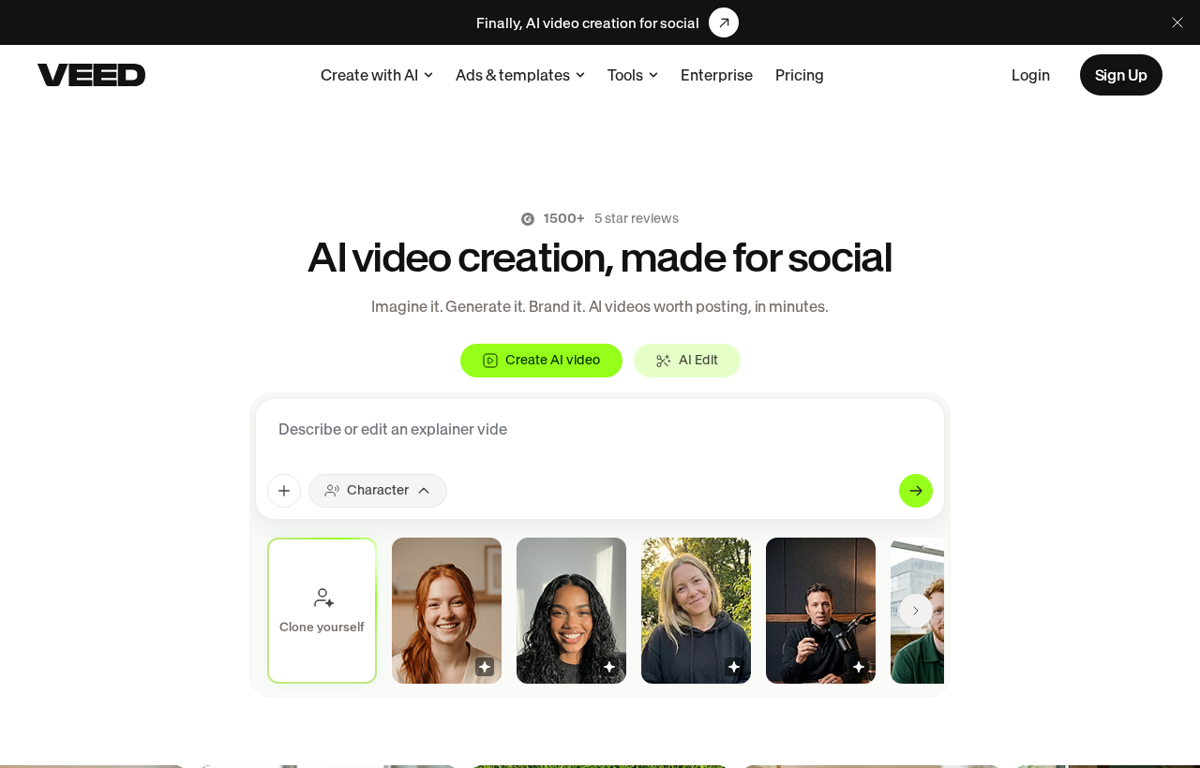
A video editor that runs in a browser. An AI feature generates a video from a text prompt and adds subtitles. Your team can also upload its own footage and cut it there.
What it is used for
Marketing teams that publish short video and have no editor on staff.
It earns a place because the work happens in a browser tab. A person with no editing background can produce a subtitled clip and keep it on brand. A free tier lets a team test the workflow first.
Trustpilot scores it 4.2 out of 5 from 3,892 reviews. G2 scores it 4.6 out of 5 from 2,185 reviews. Capterra scores it 3.2 out of 5 from 63 reviews. GetApp scores it 3.2 out of 5 from 63 reviews. TrustRadius gives it 8.3 out of 10 from 17 reviews.
What they praise
- Reviewers call the subtitles and the templates the fastest part of the workflow.
- Several reviewers say a first video takes under an hour.
- Reviewers value the free tier and the brand kit for fonts and colours.
What they complain about
- Reviewers report lag and buffering on longer projects.
- Some reviewers say the AI avatars fall short of dedicated tools.
- A few reviewers describe a hard time with refunds and support replies.
Calendly
What it does
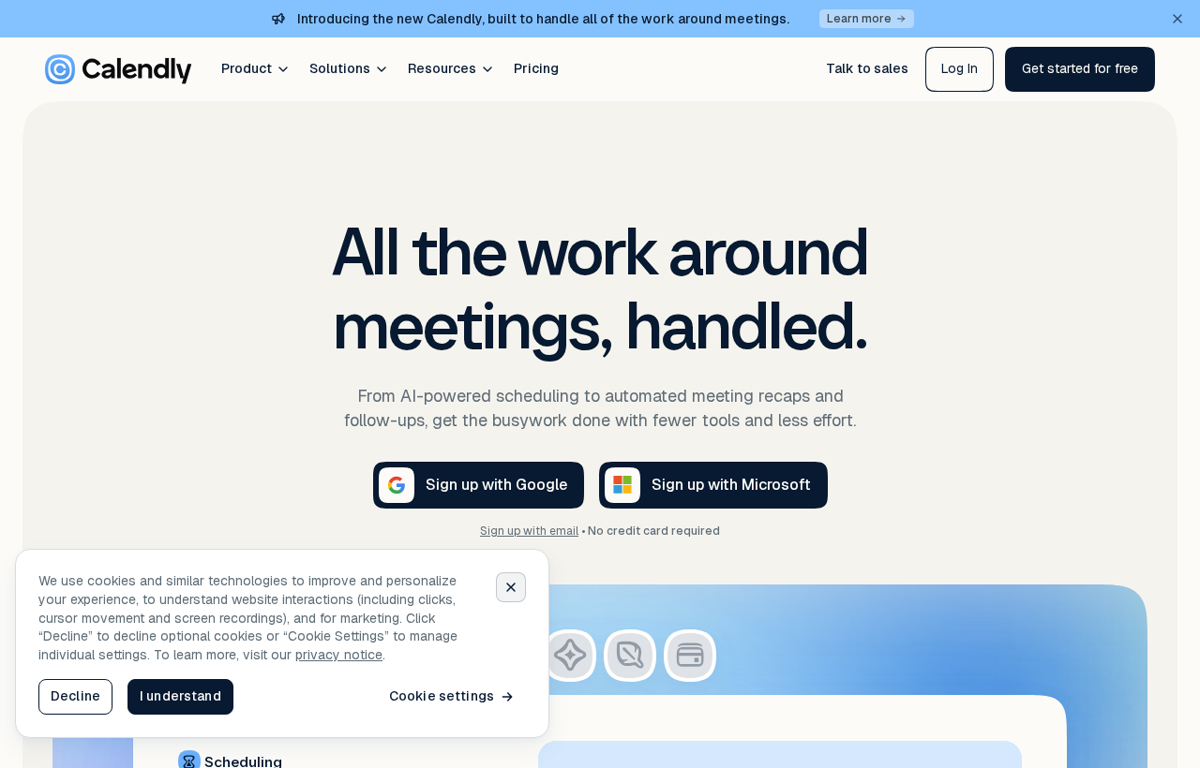
A scheduling tool. One booking link shows your open times so a client picks a slot without email back and forth. Newer features add an AI assistant and meeting recaps.
What it is used for
Any team that sells time. Sales calls and onboarding and support sessions all run from one link.
It earns a place because it removes the email chain. The booking link is the whole product and a lead picks a time without a person in the middle. The paid tiers add routing and reminders.
Trustpilot scores it 4.1 out of 5 from 695 reviews. G2 scores it 4.7 out of 5 from 2,652 reviews. Capterra scores it 4.7 out of 5 from 4,163 reviews. GetApp scores it 4.7 out of 5 from 4,163 reviews. TrustRadius gives it 8.6 out of 10 from 644 reviews.
What they praise
- Reviewers call it easy for scheduling professional meetings.
- Several reviewers praise a fast and helpful human support team.
- Reviewers say the booking link cuts the email back and forth.
What they complain about
- Some reviewers meet an AI bot answer first on support and say it loops before a person takes over.
- A few reviewers report problems when a third party calendar syncs.
- One reviewer wants more control over team round robin rules.
Copy.ai
What it does
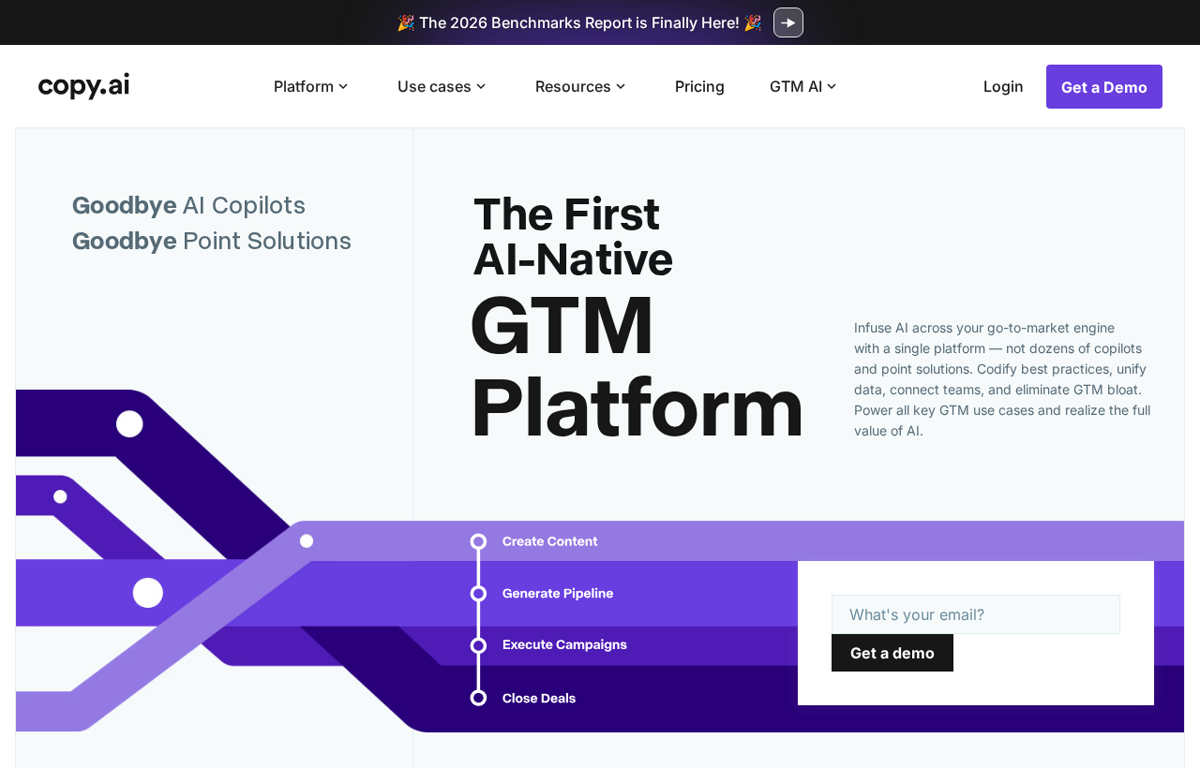
An AI platform for go to market teams. It drafts content and sales outreach and researches a prospect list. The company now positions it as a full platform rather than a writing tool.
What it is used for
Small sales and marketing teams that write a lot of outreach and need a first draft fast.
It earns a place because it moves past a single writing box. The same account drafts a blog post and an outreach email and a prospect summary. A team already writing by hand saves the first hour of every task.
Trustpilot scores it 1.8 out of 5 from 196 reviews. Capterra scores it 4.4 out of 5 from 67 reviews. GetApp scores it 4.4 out of 5 from 67 reviews. G2 no longer lists a score for it and TrustRadius shows no score for the Copy.ai listing.
What they praise
- Reviewers say the templates cut the time to a first draft.
- Some reviewers value the range from blog copy to sales outreach.
- A few reviewers say the free tier is enough to test it.
What they complain about
- Several reviewers say the tool stopped working on some days.
- Reviewers report losing saved prompts and projects after an update.
- A few reviewers say support replies are slow and unhelpful.
PandaDoc
What it does
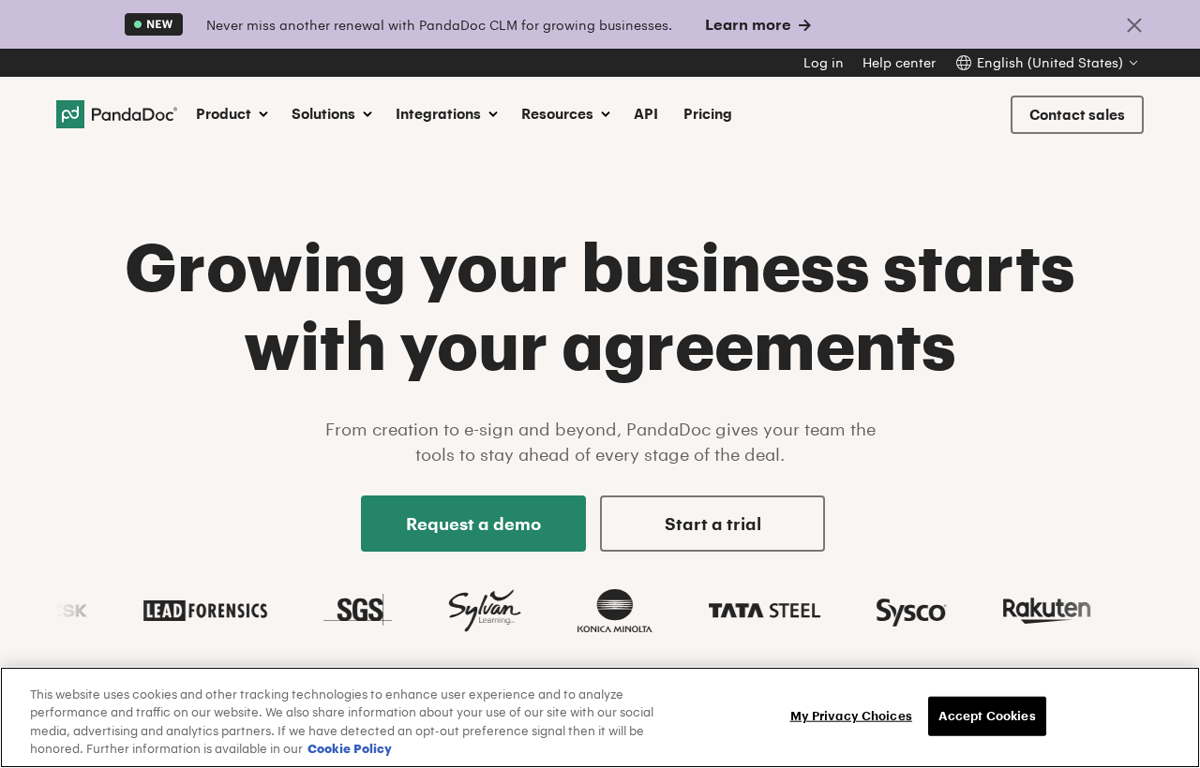
A document platform. It builds a proposal or a contract from a template and collects a signature and a payment. It also tracks when a client opens the document.
What it is used for
Teams that send proposals and contracts and want the signature and the payment in one place.
It earns a place because it closes the last step of a sale. The same document that states the price collects the signature and the card. A team stops moving a PDF into a separate tool.
Trustpilot scores it 2.1 out of 5 from 690 reviews. G2 scores it 4.7 out of 5 from 3,808 reviews. Capterra scores it 4.5 out of 5 from 1,260 reviews. GetApp scores it 4.5 out of 5 from 1,260 reviews. TrustRadius gives it 8.5 out of 10 from 580 reviews.
What they praise
- Reviewers call the drag and drop editor quick for a standard proposal.
- Several reviewers value the tracking that shows when a client opens a document.
- Reviewers say the templates save time on a repeated contract.
What they complain about
- Reviewers on Trustpilot say support was unresponsive on a billing problem.
- Some reviewers report a renewal they did not expect.
- A few reviewers report a locked account and a slow path to unlock it.
beehiiv
What it does
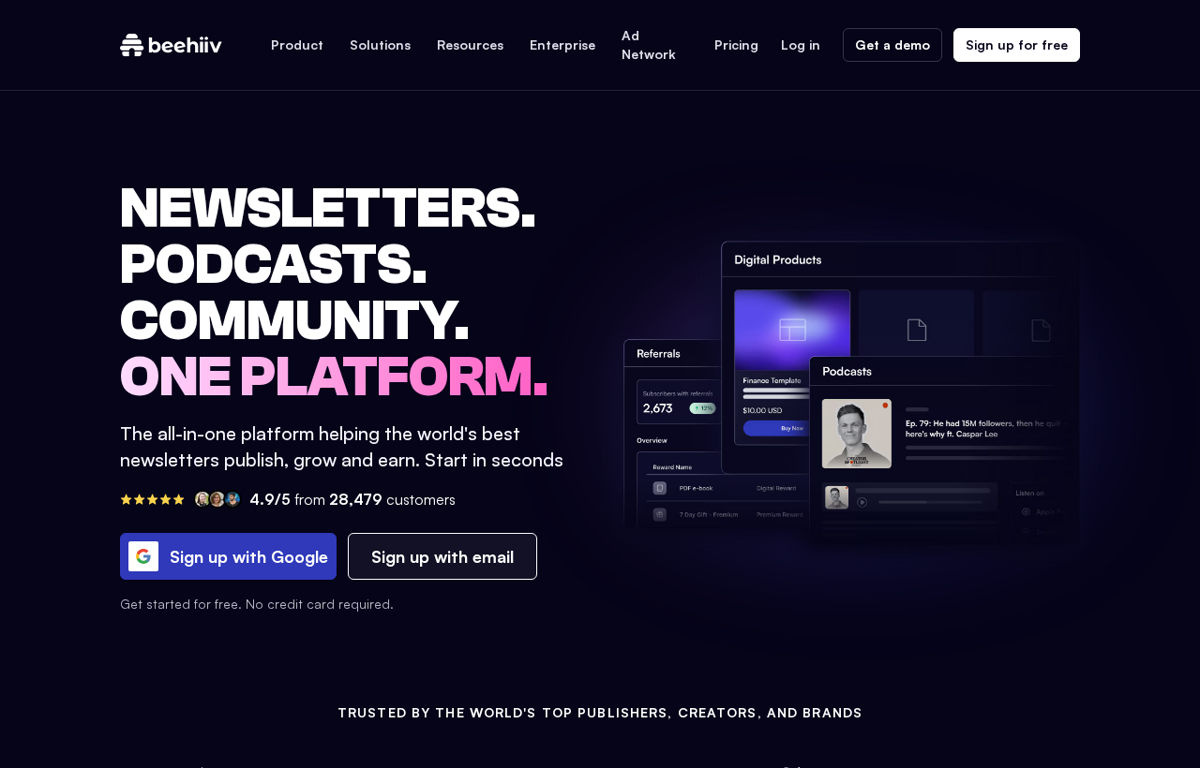
A newsletter platform. It hosts the publication and the subscriber list and adds a referral system and an ad network. It also offers automation for welcome emails and segments.
What it is used for
A small team that wants a newsletter audience and a way to earn from it.
It earns a place because publishing and growth sit in one place. The referral engine and the ad network are the parts a plain email tool leaves out. A team can start free and pay as the list grows.
Trustpilot scores it 4.0 out of 5 from 402 reviews. G2 scores it 4.5 out of 5 from 40 reviews. Capterra scores it 4.4 out of 5 from 16 reviews. GetApp scores it 4.4 out of 5 from 16 reviews. TrustRadius gives it 9.9 out of 10 from 4 reviews.
What they praise
- Reviewers call the platform easy and intuitive to launch.
- Several reviewers praise fast and thoughtful support.
- Reviewers value the growth tools built for a new list.
What they complain about
- One reviewer says the automation is less robust than ConvertKit.
- A few reviewers say the cost climbs as a list grows.
- Some reviewers want more control over the email design.
How to choose from this list
- Pick the tool that removes a job which repeats every week. A tool used once is a subscription.
- Give it to the person who does that job today. Never give it to the person who enjoys new software.
- Judge it after two weeks on one measure. Did the job stop landing on somebody's desk.
Every company in this post was checked for an affiliate programme. The disclosure line at the foot of the page explains the links.
We read the public review sites for each tool. Trustpilot and G2 and Capterra and GetApp and TrustRadius show a score that can be read and we quote those. Where a site shows no score we say so.
Ready to Build with AI?
See how AiBrainBuilders designs and deploys AI agents for business operations - or brings expert training to your team.
Request a ConversationDisclosure: some links on this page may be affiliate links. If you buy through one, we may earn a commission at no extra cost to you.