Top 5 AI Tools You Should Know: October 4, 2026
Most teams do not need more AI tools. They need the two or three that take a job off somebody's desk. This is the short list we would hand a small team this week. Each entry gives the reason it made the list and the case against it.
// In this post
- HubSpot- The free CRM with AI built in
- monday.com- The AI workspace for team work
- Airtable- A database and apps without code
- GetResponse- Email marketing with AI
- Loom- Video messages with AI
HubSpot
What it does
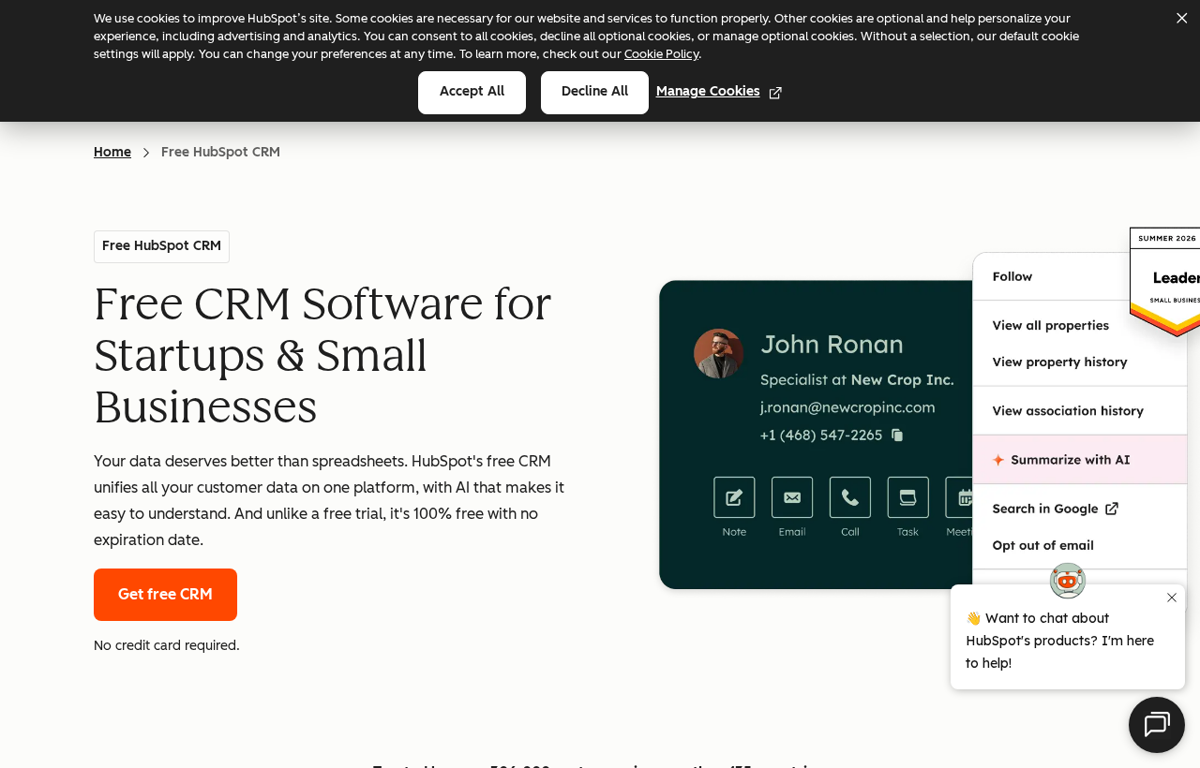
A customer relationship management platform for contacts and deals. The free CRM includes AI tools that summarize a contact and draft an email.
What it is used for
Small teams that track leads in a spreadsheet and want one place for every customer record.
It earns a place because the free plan is real rather than a trial. A team can start on it and keep the same data when it grows.
Trustpilot scores it 1.5 out of 5 from 1,173 reviews. G2 scores it 4.4 out of 5 from 14,347 reviews. Capterra scores it 4.5 out of 5 from 4,490 reviews. TrustRadius gives it 8.4 out of 10 from 5,527 reviews. GetApp was checked and its score is not shown to an automated reader.
What they praise
- The free CRM plan is genuinely free and useful for a small team.
- Reviewers like the sales pipeline and the tracking.
- The platform grows into marketing and service when a team needs them.
What they complain about
- Reviewers report that costs escalate as the team grows.
- Several reviewers call the pricing complex and the contracts inflexible.
- Some reviewers report slow or unhelpful customer support.
monday.com
What it does
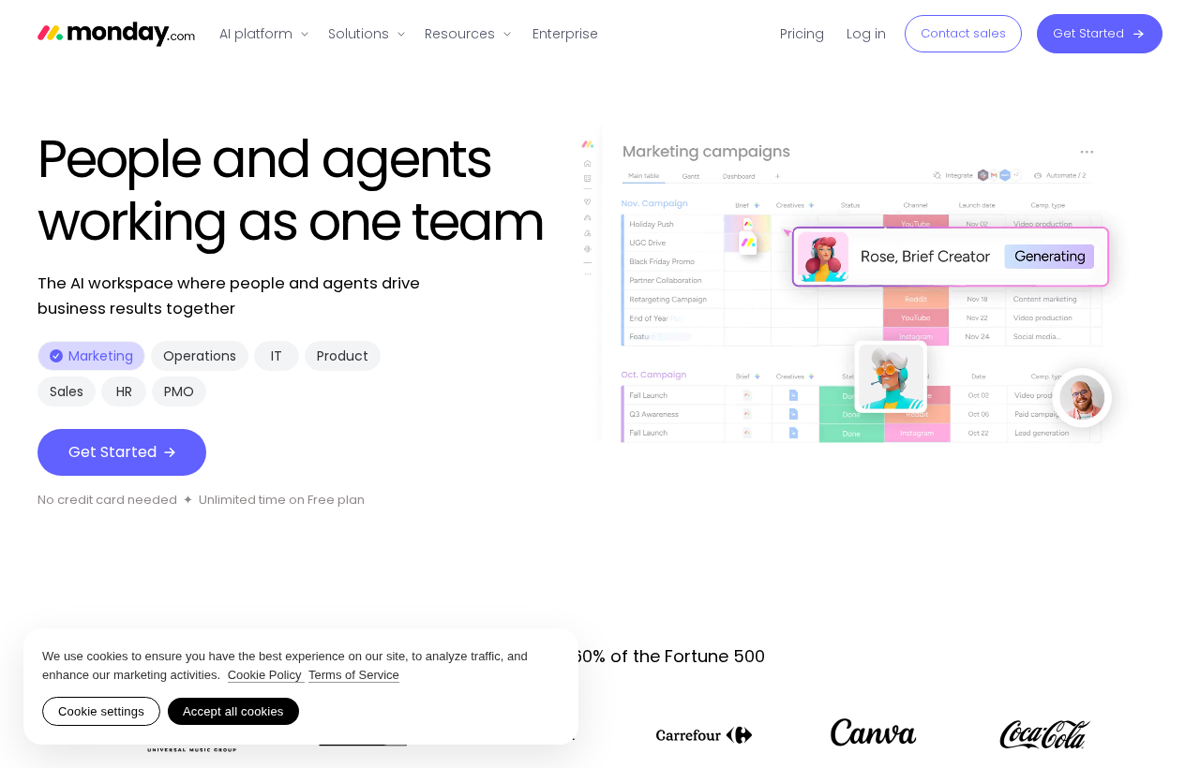
A work operating system that runs projects and processes on one board. AI features help write updates and build automations.
What it is used for
Teams that manage projects in email and want one board for tasks and owners.
It earns a place because the first board takes an afternoon rather than a project. A non technical person can run it.
Trustpilot scores it 2.1 out of 5 from 3,438 reviews. G2 scores it 4.7 out of 5 from 17,248 reviews. Capterra scores it 4.6 out of 5 from 6,118 reviews. TrustRadius gives it 8.2 out of 10 from 5,070 reviews. GetApp was checked and its score is not shown to an automated reader.
What they praise
- Reviewers like the automation and the team collaboration.
- The board view makes the status of the work easy to read.
- A free plan lets a small team test it first.
What they complain about
- Reviewers report performance lag once the data grows large.
- Several reviewers call the mobile app limited.
- Some reviewers report frequent bugs and glitches.
Airtable
What it does
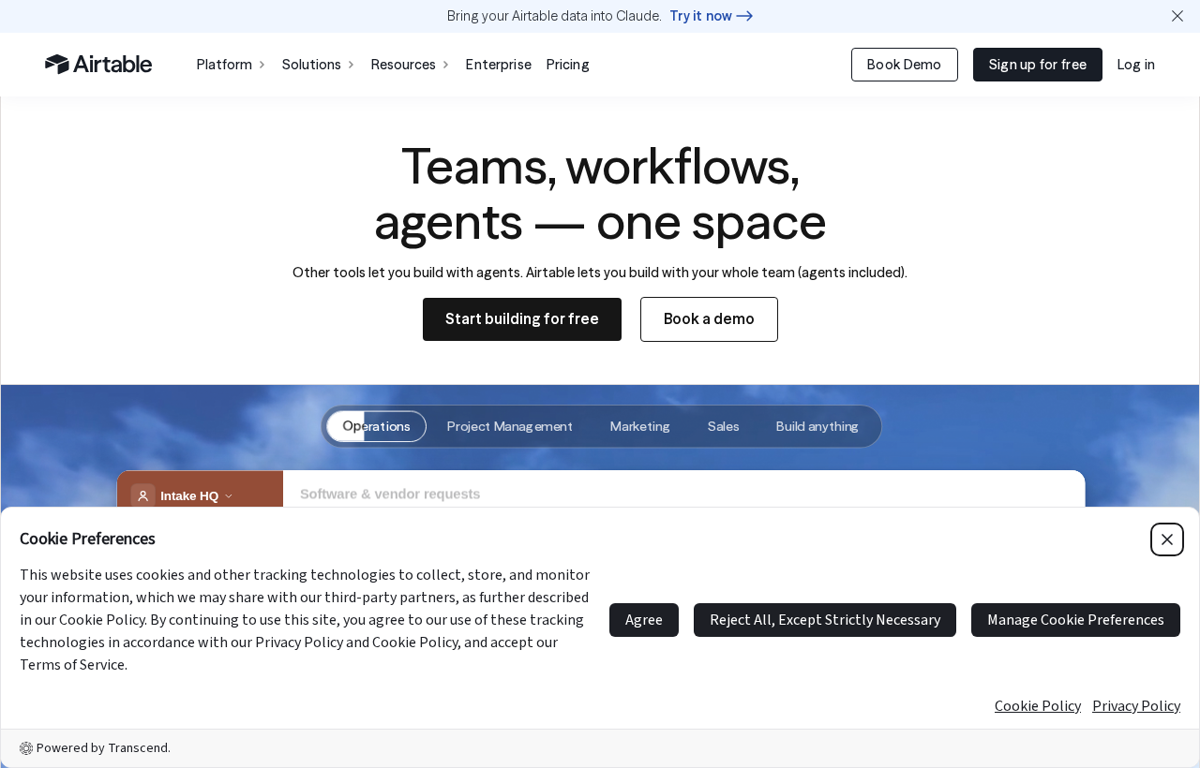
A no code platform that stores records in a spreadsheet style database and builds apps on top. AI features generate records and summaries.
What it is used for
Teams that have outgrown a spreadsheet and need a shared view of their data.
It earns a place because it sits between a spreadsheet and a custom app. A team builds the tool it needs without a developer.
Trustpilot scores it 1.9 out of 5 from 159 reviews. G2 scores it 4.6 out of 5 from 3,298 reviews. Capterra scores it 4.6 out of 5 from 2,244 reviews. TrustRadius gives it 8.5 out of 10 from 848 reviews. GetApp was checked and its score is not shown to an automated reader.
What they praise
- Reviewers like the spreadsheet view and the data management.
- The free plan covers many basic needs.
- A team can build a small internal tool without a developer.
What they complain about
- Reviewers report that advanced features sit behind the paid plans.
- Several reviewers call the formula handling limited and confusing.
- Some reviewers report notification and communication problems.
GetResponse
What it does
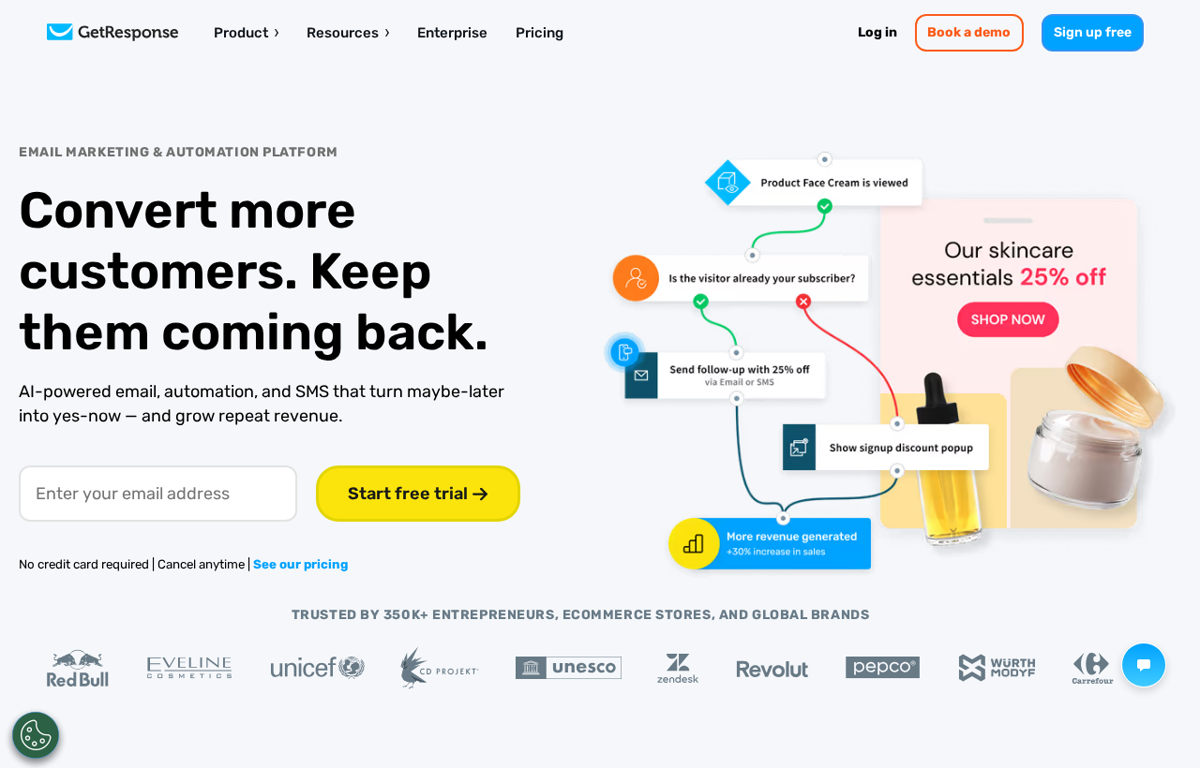
An email marketing and automation platform for campaigns and follow ups. AI writes copy and picks the best send time.
What it is used for
Small teams that send a newsletter and want the follow up emails to run themselves.
It earns a place because the automation is ready out of the box. A team sends a welcome series without building it first.
Trustpilot scores it 4.2 out of 5 from 1,038 reviews. G2 scores it 4.3 out of 5 from 1,141 reviews. Capterra scores it 4.2 out of 5 from 527 reviews. TrustRadius gives it 8.5 out of 10 from 84 reviews. GetApp was checked and its score is not shown to an automated reader.
What they praise
- Reviewers praise the email automation and the templates.
- Most reviewers say it offers good value for a small business.
- The support team is often called helpful and quick.
What they complain about
- Reviewers report that the list handling is confusing and restrictive.
- Several reviewers report unresolved billing and account problems.
- Some reviewers find the price rises sharply with a larger list.
Loom
What it does
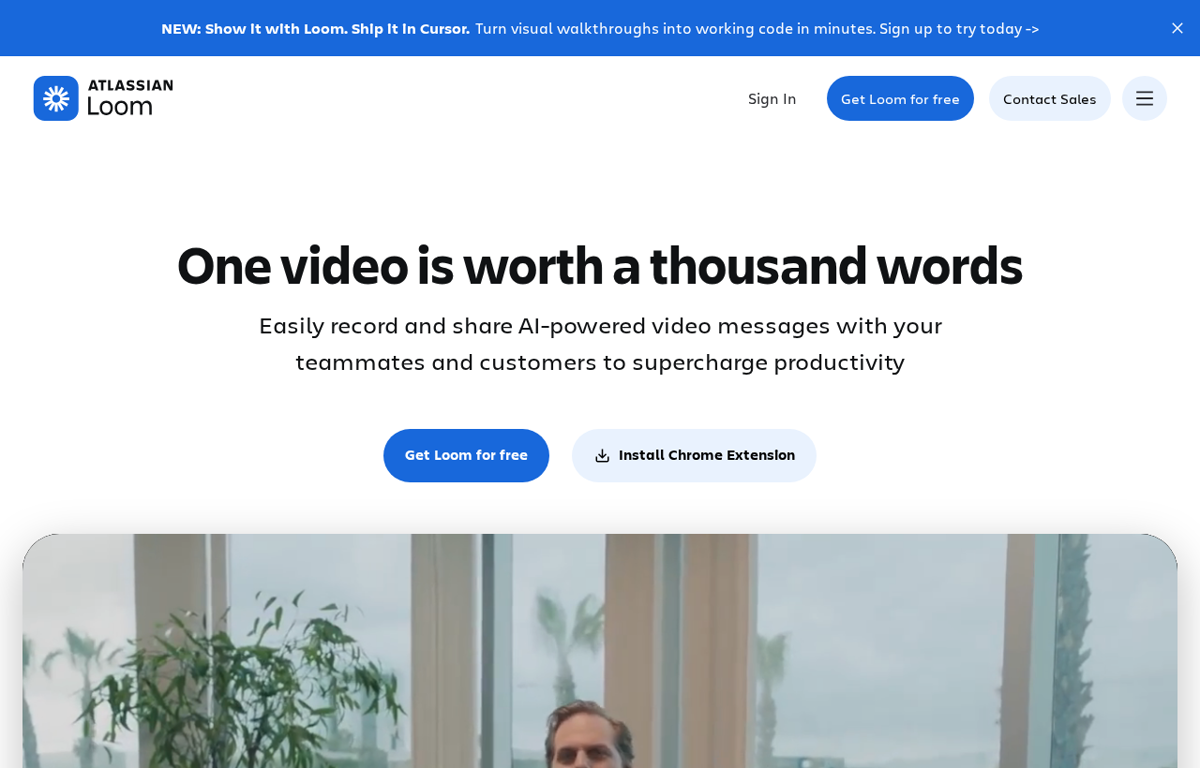
A screen and camera recorder that shares a video as a link. AI writes the title and the summary and removes the filler words.
What it is used for
Teams that explain a task in a long email and would rather send one short video.
It earns a place because a five minute video replaces a meeting. The link opens in the browser for anyone on the team.
Trustpilot scores it 1.4 out of 5 from 282 reviews. Capterra scores it 4.6 out of 5 from 531 reviews. TrustRadius gives it 9.4 out of 10 from 187 reviews. G2 was checked and its page did not return a reading to our reader. GetApp was checked and its score is not shown to an automated reader.
What they praise
- Reviewers like the team collaboration and the quick recording.
- The AI summary and the auto chapters save time.
- The link shares the video without a download.
What they complain about
- Reviewers report slow performance and lag.
- Several reviewers report video and audio quality problems.
- Some reviewers call the pricing high for larger teams.
How to choose from this list
- Pick the tool that removes a job which repeats every week. A tool used once is a subscription.
- Give it to the person who does that job today. Never give it to the person who enjoys new software.
- Judge it after two weeks on one measure. Did the job stop landing on somebody's desk.
Every company in this post was checked for an affiliate programme. The disclosure line at the foot of the page explains the links.
We read the public review sites for each tool. Trustpilot and G2 and Capterra and TrustRadius show a score that can be read and we quote those. GetApp was checked and its score is not shown to an automated reader.
// The five again, with links
- HubSpot- www.hubspot.com
- monday.com- monday.com
- Airtable- airtable.com
- GetResponse- www.getresponse.com
- Loom- www.loom.com
Ready to Build with AI?
See how AiBrainBuilders designs and deploys AI agents for business operations - or brings expert training to your team.
Request a ConversationDisclosure: some links on this page may be affiliate links. If you buy through one, we may earn a commission at no extra cost to you.