Top 5 AI Tools You Should Know: October 3, 2026
Most teams do not need more AI tools. They need the two or three that take a job off somebody's desk. This is the short list we would hand a small team this week. Each entry gives the reason it made the list and the case against it.
// In this post
- Canva- Design without a designer
- Make- Automate the work between apps
- Fireflies.ai- Notes for every meeting
- Gamma- Decks and pages from a prompt
- Pipedrive- A simple CRM for closing deals
Canva
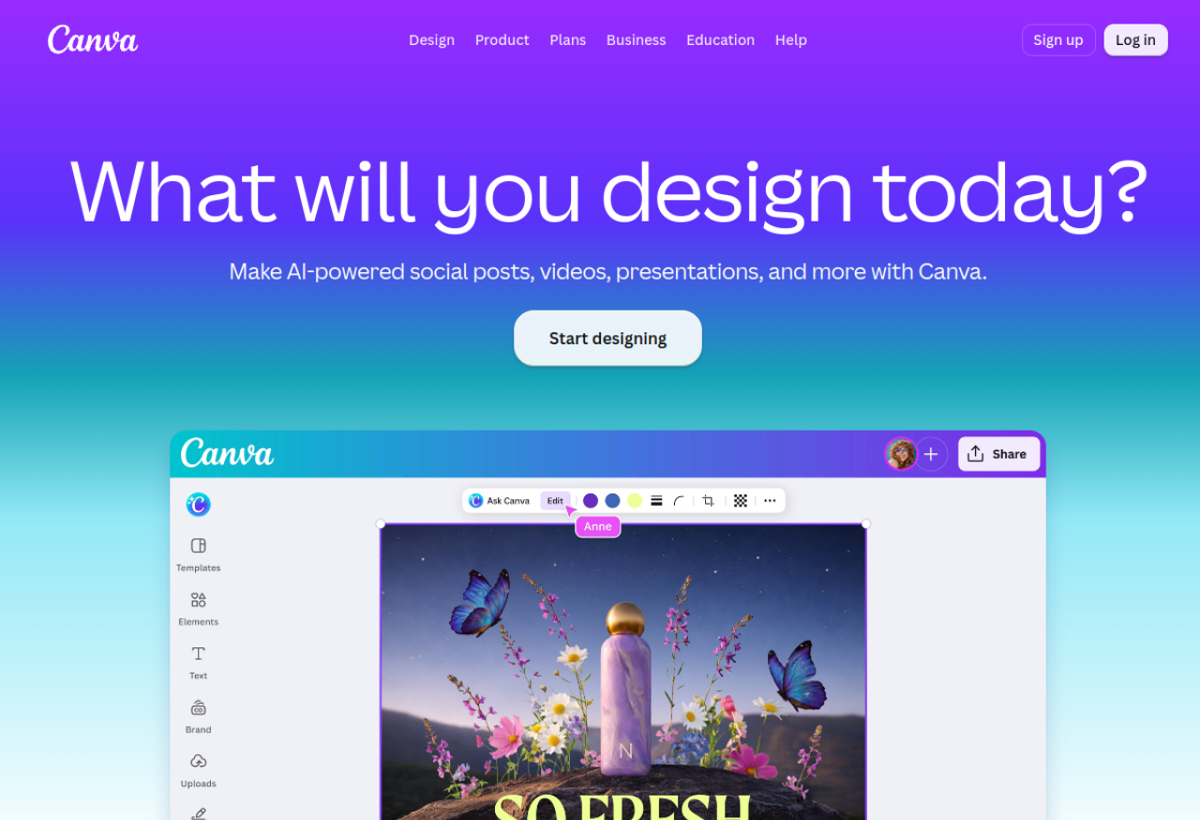
What it does
A visual design platform for social posts and videos and presentations. The Canva AI tools include Magic Write and Magic Layers and an image editor.
What it is used for
Small teams that produce their own marketing and have no designer on staff.
It earns a place because design stops being a bottleneck. A non designer can ship a finished asset the same morning.
Trustpilot scores it 4.0 out of 5 from 7,527 reviews. G2 scores it 4.7 out of 5 from 7,720 reviews. Capterra scores it 4.7 out of 5 from 13,454 reviews. TrustRadius gives it 9.1 out of 10 from 2,216 reviews.
What they praise
- Make AI-powered posts and videos and presentations from one place.
- The template library and the drag and drop editor save a lot of time.
- The free plan is enough for light use.
What they complain about
- Trustpilot reviewers report slow customer support replies.
- Some advanced features and the AI image tools need the paid plan.
- Reviewers say heavy designs can feel slow to load.
Make
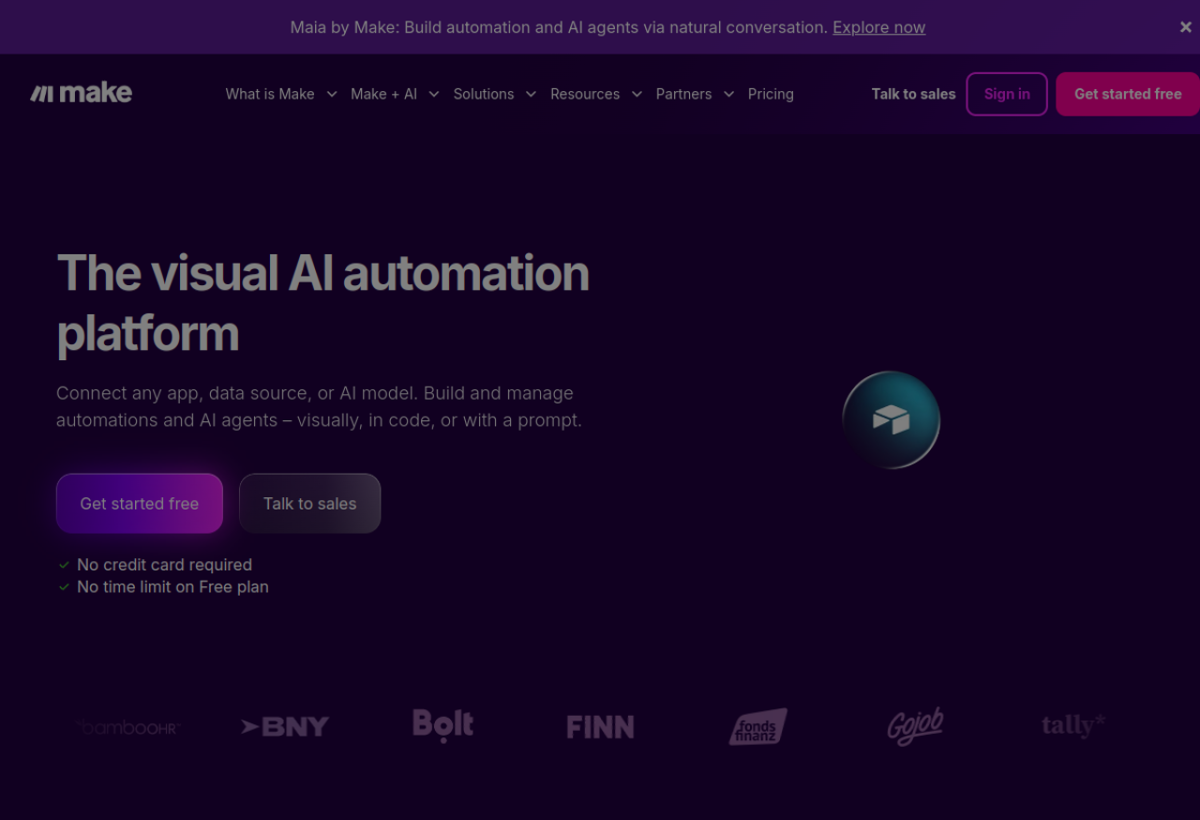
What it does
A visual automation platform that connects apps and AI models. You build a workflow on a drag and drop canvas and Make runs it.
What it is used for
Teams that move data by hand between a form and a sheet and a CRM.
It earns a place because the work it removes repeats every day. A small team gets the handoffs running without a developer.
Trustpilot scores it 2.8 out of 5 from 172 reviews. G2 scores it 4.6 out of 5 from 359 reviews. Capterra scores it 4.8 out of 5 from 409 reviews.
What they praise
- Reviewers like the visual builder that shows data moving between steps.
- A non technical person can build a first workflow quickly.
- New features and a large community help when you get stuck.
What they complain about
- Reviewers note there is no live chat support.
- The terminology is hard for a beginner.
- Complex workflows can be confusing to build and to debug.
Fireflies.ai
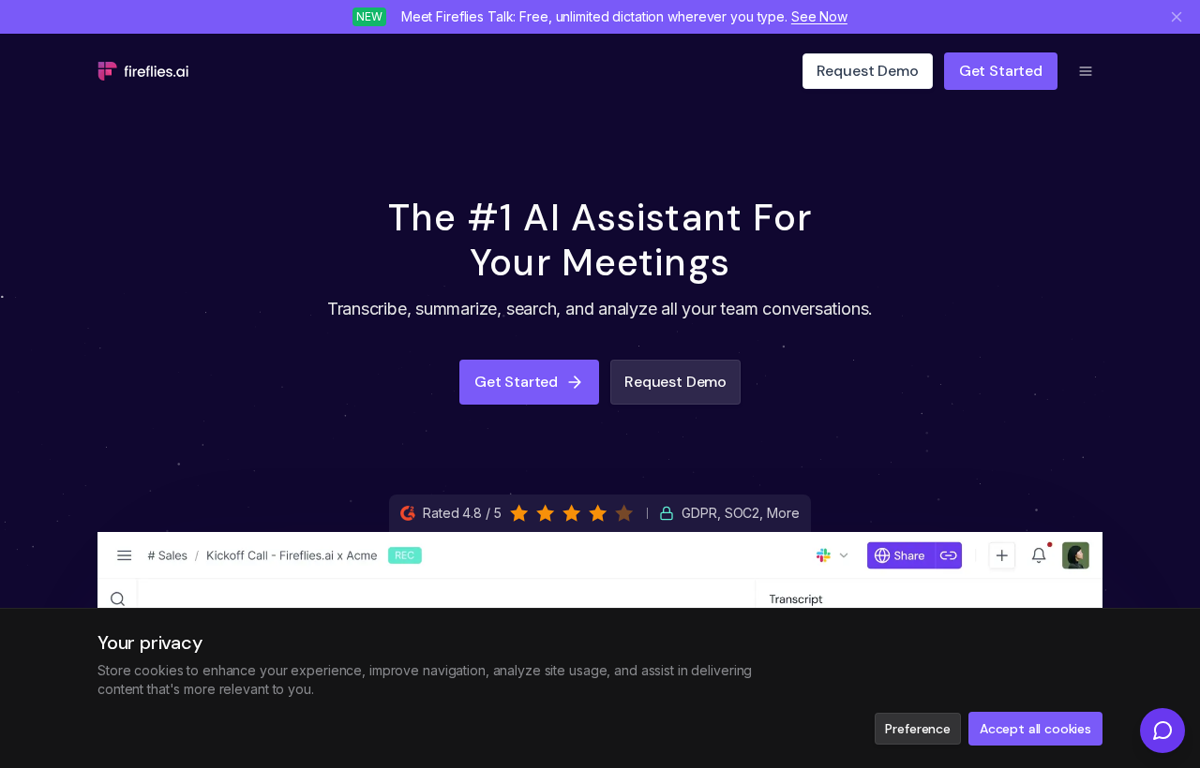
What it does
An AI meeting assistant that records and transcribes and summarises a call. It produces action items and keeps every meeting searchable.
What it is used for
Teams that want the decisions from a call written down without a note taker.
It earns a place because the notes are ready when the call ends. A new starter can read what was decided last month.
Trustpilot scores it 4.5 out of 5 from 831 reviews. G2 scores it 4.7 out of 5 from 753 reviews. Capterra scores it 4.9 out of 5 from 735 reviews. TrustRadius gives it 9.3 out of 10 from 36 reviews.
What they praise
- Reviewers praise the accurate transcripts and the short summaries.
- The action items are pulled out of the call for you.
- It joins the main meeting platforms without extra setup.
What they complain about
- The assistant sometimes fails to join a scheduled meeting.
- It does not handle every language well.
- The CRM sync is limited and the free plan is capped.
Gamma
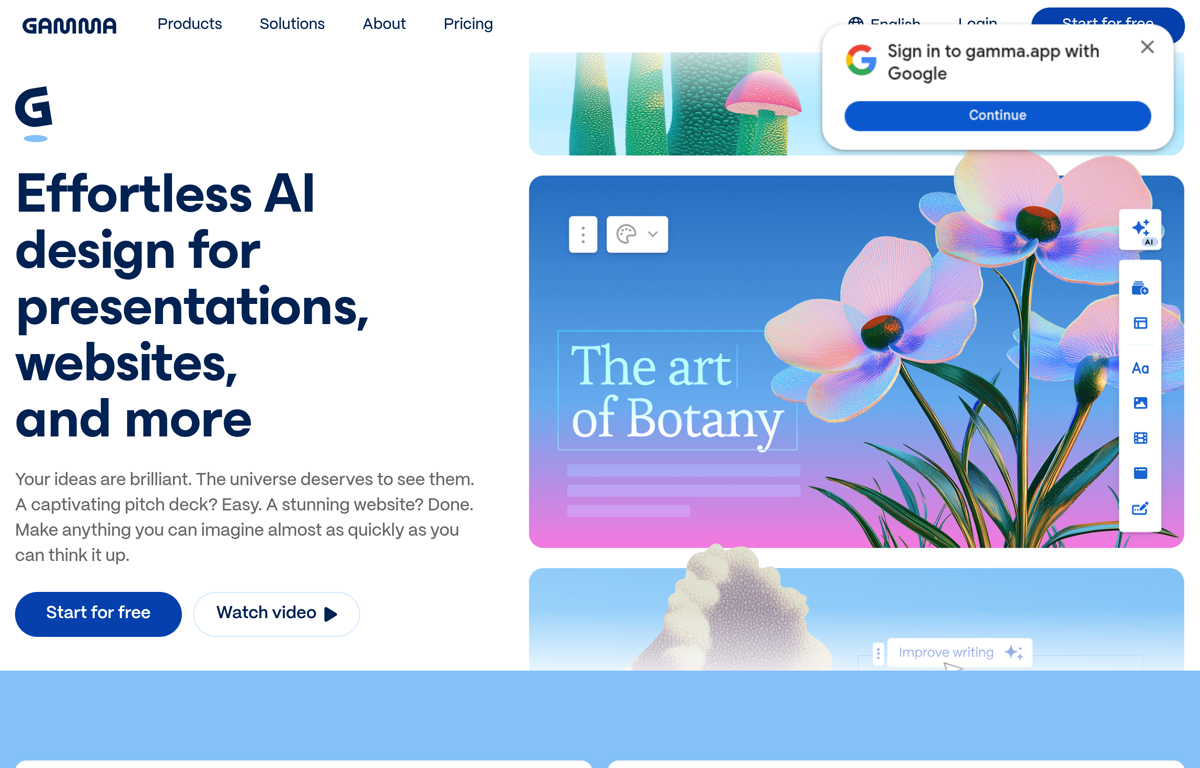
What it does
An AI design tool that turns an idea into a presentation or a website or a document. You edit the result and export it.
What it is used for
Teams that need a clean deck or a one page site without opening a design tool.
It earns a place because the first draft is instant. A change is a retype rather than a rebuild.
Trustpilot scores it 1.6 out of 5 from 126 reviews. TrustRadius gives it 8.3 out of 10 from 10 reviews.
What they praise
- Reviewers like the design templates and the finished look.
- An idea becomes a presentable draft in minutes.
- It exports to PowerPoint and PDF and builds web pages.
What they complain about
- Many Trustpilot reviewers report billing and subscription problems.
- Some users find the editor slow and hard to navigate.
- Support replies are reported as slow.
Pipedrive
What it does
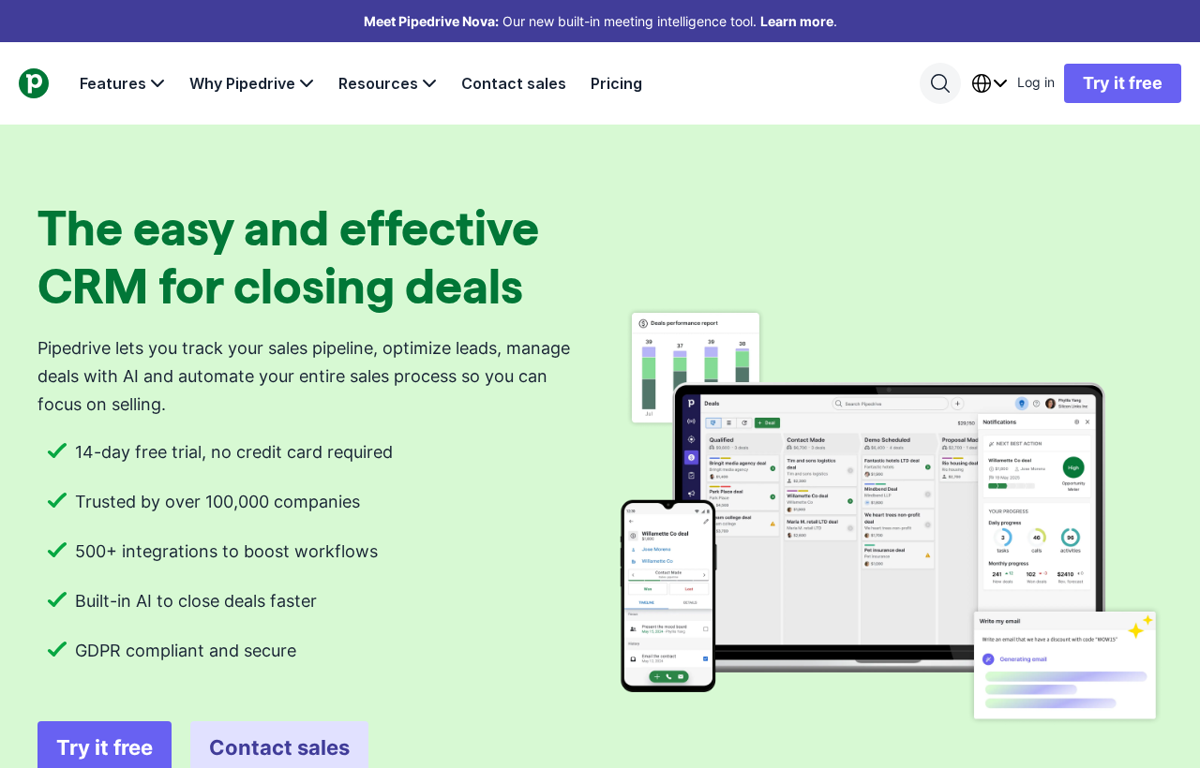
A sales CRM that tracks a pipeline and manages leads and deals. It adds AI to write emails and to automate the sales process.
What it is used for
Sales teams that want a simple CRM instead of a large one with features they never open.
It earns a place because it is quick to set up and easy to read. A small sales team can see the whole pipeline on one screen.
Trustpilot scores it 4.4 out of 5 from 3,457 reviews. G2 scores it 4.3 out of 5 from 5,048 reviews. Capterra scores it 4.5 out of 5 from 3,062 reviews. TrustRadius gives it 8.7 out of 10 from 519 reviews.
What they praise
- Reviewers like the visual pipeline and the easy setup.
- The custom fields and the email sync work well for a small team.
- It costs less than the large CRM platforms.
What they complain about
- The email marketing and the marketing automation are thin.
- Some reviewers say the price rises as the team grows.
- A few reviewers report problems with support and with plan changes.
How to choose from this list
- Pick the tool that removes a job which repeats every week. A tool used once is a subscription.
- Give it to the person who does that job today. Never give it to the person who enjoys new software.
- Judge it after two weeks on one measure. Did the job stop landing on somebody's desk.
Every company in this post was checked for an affiliate programme. Where a programme exists we say so on the page and the link stays the same either way.
We read the public review sites for each tool. Trustpilot and G2 and Capterra and TrustRadius show a score that can be read and we quote those. GetApp was checked and its score is not shown to an automated reader.
// The five again, with links
- Canva- www.canva.com
- Make- www.make.com
- Fireflies.ai- fireflies.ai
- Gamma- gamma.app
- Pipedrive- www.pipedrive.com
Ready to Build with AI?
See how AiBrainBuilders designs and deploys AI agents for business operations - or brings expert training to your team.
Request a ConversationDisclosure: some links on this page may be affiliate links. If you buy through one, we may earn a commission at no extra cost to you.