Top 5 AI Tools You Should Know: October 1, 2026
Most teams do not need more AI tools. They need the two or three that take a job off somebody's desk. This is the short list we would hand a small team this week. Each entry gives the reason it made the list and the case against it.
// In this post
Grammarly
What it does
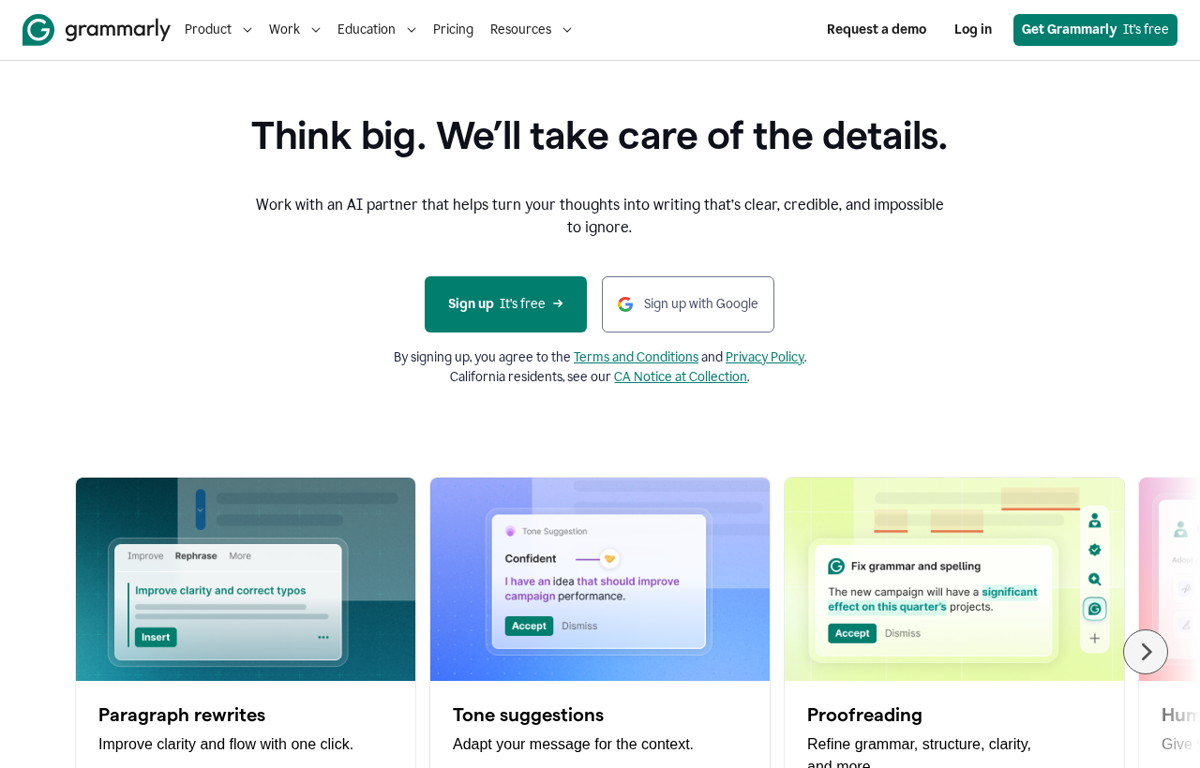
Checks grammar and spelling as you type. It also suggests a rewrite when a sentence reads badly.
What it is used for
Teams that write to customers all day. It turns a rough draft into something you can send.
It earns a place because it works where the writing already happens. There is no separate editor to open and no draft to copy across.
Trustpilot scores it 3.1 out of 5 from 10,469 reviews. TrustRadius records praise for the grammar help and notes that the prompts can interrupt the writing.
What they praise
- Grammar and spelling checks cover almost every app a team writes in.
- Tone suggestions keep an email from reading as blunt or unclear.
- The free tier does the core job without a card.
What they complain about
- Some suggestions are wrong for the context.
- The prompts can interrupt the writing.
- Trustpilot reviewers report billing surprises and a hard cancellation path.
ClickUp
What it does
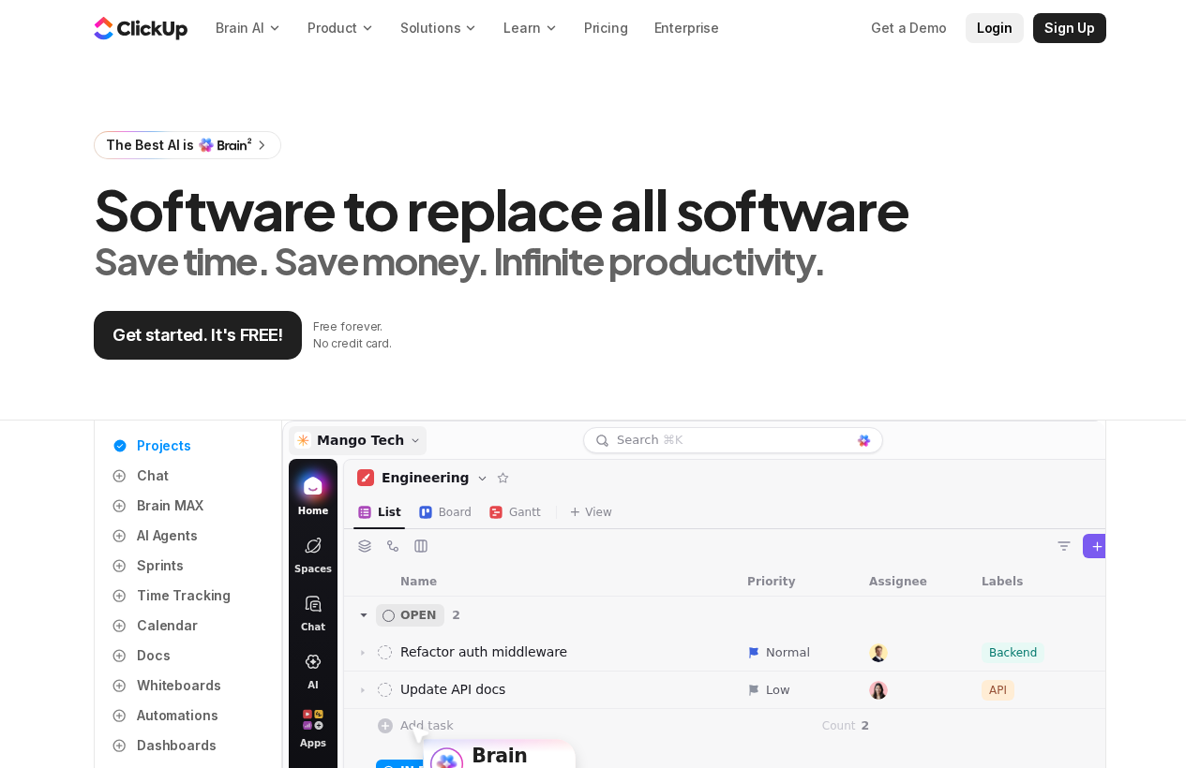
Runs tasks and docs and chat in one place. An AI layer named Brain2 reads the workspace and answers questions about the work.
What it is used for
Teams that have outgrown a spreadsheet and do not want five subscriptions.
The reason it makes the list is the range. A small team can drop a task tracker and a document tool and a chat app into one bill.
Trustpilot scores it 4.2 out of 5 from 708 reviews. TrustRadius records praise for the consolidation and notes that the pricing puts every user on one plan.
What they praise
- Tasks and docs and chat live in one place instead of five tools.
- Due dates and progress stay visible across a whole team.
- The AI agent builder needs no coding skill.
What they complain about
- Every user has to sit on the same plan.
- The AI struggles to read very large amounts of workspace data.
- The interface feels heavy at times.
Descript

What it does
Turns a recording into a transcript so you can edit the video by editing the words. It also removes background noise and cuts short clips.
What it is used for
Teams making product videos and podcasts without a video editor on staff.
One detail decides it. Changing a line in a finished video normally means a reshoot. Here it means retyping a sentence.
Trustpilot scores it 2.7 out of 5 from 288 reviews. TrustRadius records praise for the text based editing. Both sites carry complaints about billing and cancellation.
What they praise
- Editing the transcript edits the video with no timeline skill needed.
- Background noise is removed in one click.
- Filler words are cut automatically.
What they complain about
- Trustpilot reviewers report a hard cancellation path and surprise charges.
- Some edits still need fine control that the text view does not give.
- Several reviewers call the finish unfinished.
Tidio
What it does
Adds a live chat and an AI agent to a website. Tidio says its agent resolves about 67 percent of conversations on its own.
What it is used for
Small shops that lose sales when nobody is watching the inbox.
The pitch is narrow and useful. Common questions get answered in seconds and the hard ones reach a person with the context attached.
Trustpilot scores it 3.7 out of 5 from 225 reviews. TrustRadius records praise for the live chat and complains that the chatbot logic is fiddly to build.
What they praise
- Live chat and the AI agent run from one dashboard.
- The free plan covers a small site.
- Setup takes minutes and needs no code.
What they complain about
- Trustpilot reviewers report slow help from the support team itself.
- The chatbot's conditional logic is fiddly to build.
- The desktop app has been reported as unreliable.
Buffer

What it does
Schedules posts across the main social networks from one queue. An AI assistant drafts posts and a shared inbox holds the comments.
What it is used for
Small teams that need to keep several social accounts active.
It earns a place because the job is boring and endless. One weekly sitting in a single queue beats logging into six networks every day.
Trustpilot scores it 3.6 out of 5 from 119 reviews. TrustRadius records praise for the cross platform scheduling and points to limits on some post types.
What they praise
- One queue covers many networks in a single calendar.
- The AI assistant drafts platform specific posts.
- Comments from every network land in one place.
What they complain about
- Some post types like Instagram Reels are not fully supported.
- Time zone handling causes scheduling mistakes for some teams.
- The review base is small so the picture is not settled.
How to choose from this list
- Pick the tool that removes a job which repeats every week. A tool used once is a subscription.
- Give it to the person who does that job today. Never give it to the person who enjoys new software.
- Judge it after two weeks on one measure. Did the job stop landing on somebody's desk.
Every company in this post was checked for an affiliate programme. Where a programme exists we say so on the page and the link stays the same either way.
Ready to Build with AI?
See how AiBrainBuilders designs and deploys AI agents for business operations - or brings expert training to your team.
Request a ConversationDisclosure: some links on this page may be affiliate links. If you buy through one, we may earn a commission at no extra cost to you.